Back to Blog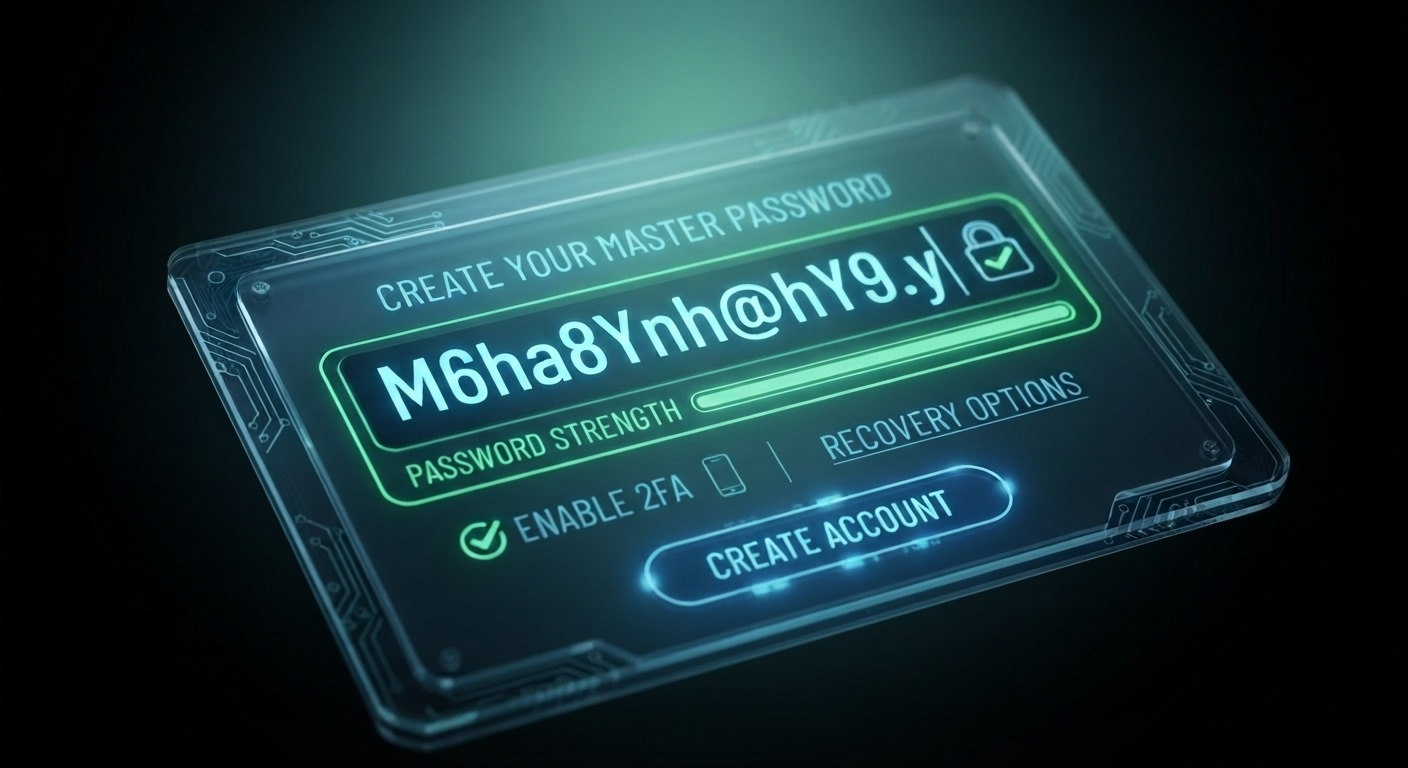


Monica Jansen
Aug 4, 2026
How to Create a Strong Password: Simple Steps for Success
In a day and age where people juggle at least half a dozen passwords on a daily basis, exercising healthy password practices is a crucial skill.
Aside from protecting your data, having strong passwords also makes you an unlikely target for phishing, spam, and hacking campaigns.
In the sections that follow, we will go over:
- Why Strong Passwords Are Important
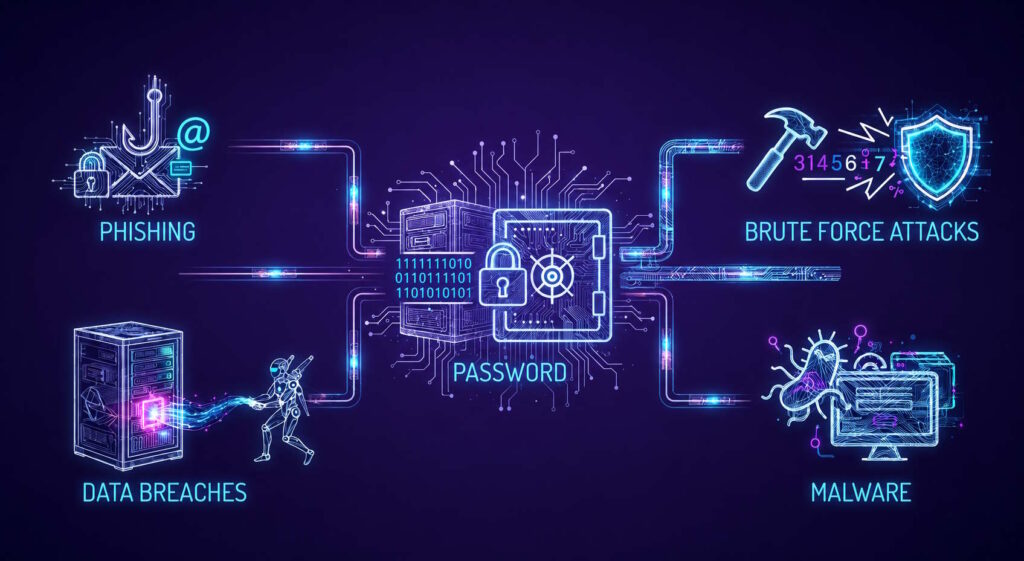
- How Passwords Are Stolen
- How to Make Your Password Strong
- Final Tip
Follow along to learn about the best ways to create and remember a strong password.
Why Are Strong Passwords Important?
No matter what app or website you are using—even with a secure option like your own site hosted on an offshore VPS—your password is your first line of defense against attacks.
As such, passwords stand between you and the damage that hackers can do with brute force and dictionary attacks, as well as credential stuffing.
The risks posed by vulnerable passwords are severe and various, including identity theft and financial fraud.
They are especially dangerous for business accounts and websites, as loss of company data can be ruinous on every level.
Therefore, picking a strong password is the first—and most important—step toward protecting and safeguarding your most precious personal and professional information online.
How Are Passwords Stolen?
Typically, hackers will force their way in by using tools that allow them to try lots of different combinations.
However, one of the easiest ways cybercriminals get hold of someone’s password isn’t through hacking tools—it’s by convincing you to hand it over yourself.
We will look at some of the common ways people with dubious intentions can get hold of your password.
Phishing
Typically, the attacker sends a link to a website that looks almost exactly like a legitimate one you often use, like a banking or shopping platform.
Even experienced users can have a hard time spotting the difference between the real and the fake version, which is why this type of scam is so successful.
In a phishing scam, that imitation site is secretly controlled by the attacker. It prompts you to log in as usual, but once you type your details, your credentials go straight into their hands.
This is just one of many social engineering tricks used to steal passwords. No matter how strong or complex your password may be, it offers no protection if you’re deceived into giving it away.
However, phishing is just one of many ways in which you can lose your password.
Data Breaches
More often than not, attackers can simply guess it, because people are not overly creative when picking one.
It’s easy to assume your password is “good enough” and that nobody would have enough attempts to guess it before being locked out.
And for most websites, that’s true. After all, login systems typically limit the number of failed attempts before temporarily blocking access.
However, attackers rarely waste time guessing through the regular login form. Instead, the real trouble begins when a site experiences a data breach, and its encrypted password database is leaked.
Brute Force
Once cybercriminals obtain encrypted files, they can start their own guessing game offline.
And because they’re not constrained by login limits, they can try billions of password combinations every second using powerful hardware.
That’s more than enough tries to get it right, especially if, as we have already mentioned, your password isn’t too creative or strong.
Luckily for you, it is possible to make this guessing game difficult for hackers.
All you have to do is follow the steps below.
How to Make Your Password Strong: Tips and Tricks
1. Say Goodbye To Sequences and Easily Guessable Words
According to IT experts, password and 123456 are the two worst passwords that you can pick. Unfortunately, they are also two of the most commonly used options.
For one, they are easy to guess. Most people want to remember their passwords easily, which is why they opt for number sequences or the word password itself.
The issue is that hackers use the very same logic when trying to break into your site. So, the two options listed above are those they will try first.
All of this to say: when you change your password, do not, under any circumstances, use generic and basic options that are easy to guess. Also, try to avoid number sequences wherever possible, especially those starting with 1.
While not nearly enough to keep you fully safe, this step will ensure you don’t make the hackers’ job that easy.
2. Do Not Use Personal Info In Your Passwords
Adding birthdates and anniversaries to passwords is another common mistake.
Namely, with the rise of social media, a lot more people have access to birthdates, both yours and your loved ones’. As a result, it is not difficult to try and use them to crack your password.
The same is true for anniversary dates, nicknames, pet names, and any other similar information. That is why it’s smart to follow a simple rule of thumb: avoid using personal data in your passwords.
No matter how private and careful you are, people can still guess them—especially if they analyze your socials.
So, keep your info to yourself and pick other, less conspicuous options for your passwords.
3. Variety Is Important
The key to creating a password that is hard to crack is simple: you have to use as many different characters and numbers as possible.
We’re talking differently capitalized letters, special characters, and numbers—all jumbled together into sequences of at least 8 characters—but preferably more than 15.
The more characters you add (and the more unique they are), the less leeway you give to hackers to guess your password.
Example
Let’s say that you opt for [email protected]. It contains all the character variety you can use, and it is long enough.
The only thing that would make it better? Even more characters—the more random, the better.
Also, notice how the password doesn't really spell or mean anything? That’s another neat trick.
Words and phrases that you can find in dictionaries are a lot easier to crack than haphazard combos, especially for accounts with sensitive information.
4. Do Not Reuse Passwords
Though it makes accessing your accounts easier, reusing the same password for more than one website is a bad practice.
Namely, even a single reused password can trigger a chain reaction that costs you all your accounts, whether they are connected via a password or not.
So, come up with a unique password for every single website and app you use. That way, even if one is compromised, the others will remain safe.
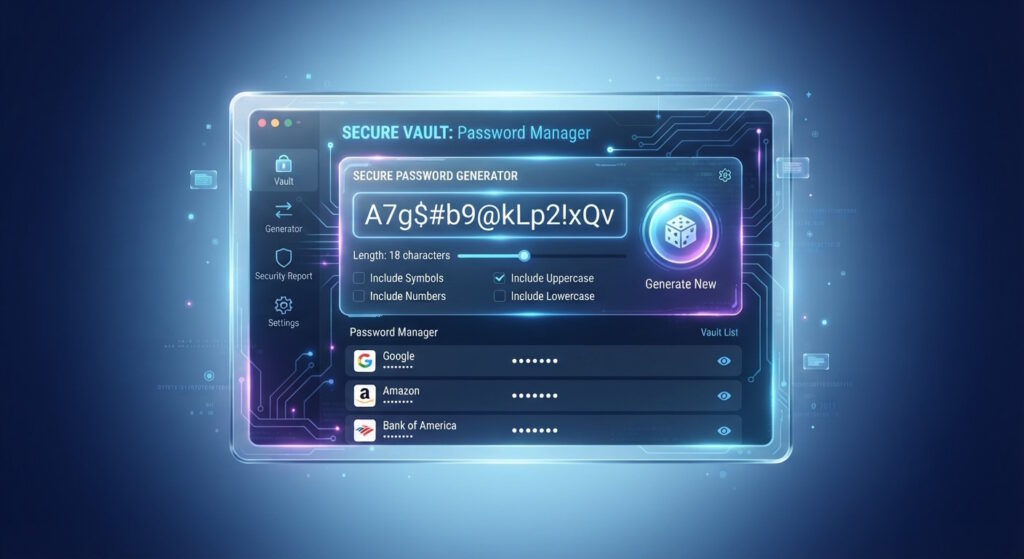
5. Use Password Generators and Managers
If you’re wondering how to come up with so many strong and unique passwords—and how to remember them—worry not.
There are dozens of password manager and generator tools that can help you.
The former help you store all your passwords in one place. That way, you don’t have to write them down or memorize them by heart. Examples include:
The latter are just as handy: they can aid you in creating unique and hard-to-crack passwords that you can use for any website out there. You can use free tools by:
Of course, these are just a few common examples, and you can find many other options.
6. Change Your Passwords Often
Finally, another common error people make is keeping the same passwords for months and years on end.
While it does make remembering them easier, it puts your accounts in danger—especially business ones.
The best practice is to change your passwords at least four times a year. And if you handle sensitive data and have dealt with leaks before, doing so monthly is an even better idea.
In fact, some sites—mainly banking apps—require that you change your password often to keep you safe.
So, it’s good to do the same with every other website you use. You know what they say—it’s better to be safe than sorry!
One Last Tip
Whenever an app or website asks for a password, it’s worth checking whether it also supports multifactor authentication (MFA).
This feature adds another security layer, keeping your account safe even if someone manages to obtain your password.
MFA can work in several ways:
- USB security key
- Authenticator app
- Verification code
- Push notification
With MFA enabled, an attacker would need access to both your password and your second verification method.
Because that second factor is often tied to a physical device like your smartphone, it’s much harder for someone else to steal or fake.
While not all MFA options are equally secure (for instance, text message codes can be intercepted), using more than one layer of verification dramatically reduces the risk of unauthorized access.
Conclusion
At the end of the day, creating a strong password doesn’t have to be complicated.
You should start by making each one unique and long enough to be unpredictable—no names, birthdays, or simple patterns.
Use a password manager if you need help keeping track, and never recycle passwords across different sites. Finally, turn on multifactor authentication wherever you can.
Together, these habits form a powerful defense that keeps your accounts safe and your digital life secure—today, that is more important than ever.
Author
Monica Jansen
Monica Jansen is a seasoned tech writer focused on web hosting and cybersecurity. She loves doing deep dives and whittling down difficult topics into simple and succinct concepts. Whether she is covering firewalls or different hosting plans, she always strives to provide clear guides that website owners of all skill levels can follow.
Add your comment
Get content delivered straight to your inbox
Your data.
Your choice.
Work with the best of the best — your projects deserve it.