Back to Blog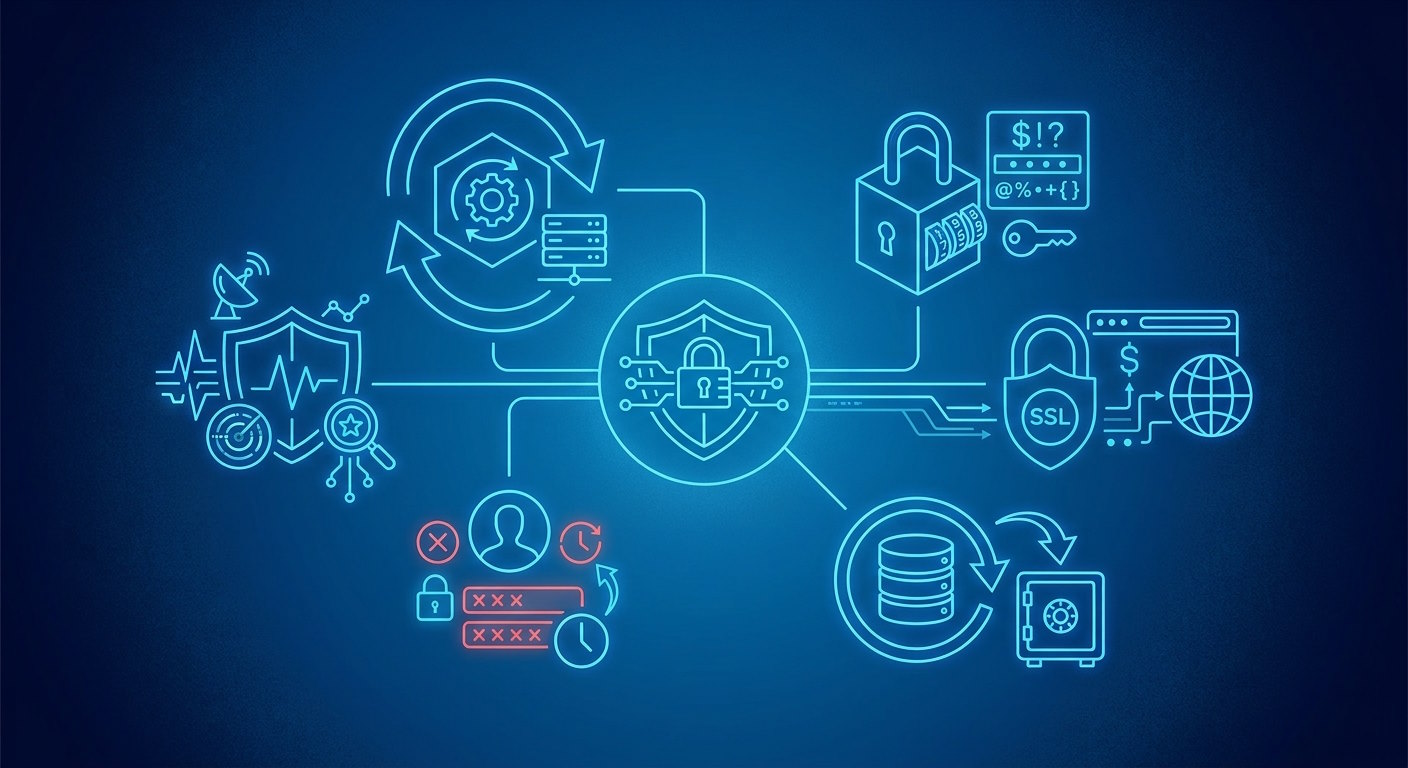


Monica Jansen
Sep 15, 2026
How to Improve Website Security
Every website can be a target for security threats, regardless of its size or purpose.
With new risks constantly emerging, keeping your website secure requires ongoing attention.
So, what can you do to stay protected?
In this guide, we’ll cover the most common website security threats and the practical steps you can take to minimize the risks.
Why Website Security Matters
A security issue can affect much more than the website itself.
It can disrupt your operations, lead to unexpected costs, and damage the trust you have built with your visitors.
If your website collects or processes personal data, safeguarding that information is also an important responsibility.
Depending on where you operate and who your audience is, failing to protect the data can also have legal and regulatory consequences.
By putting the right security measures in place, you can protect your visitors, maintain a reliable presence, and limit the lasting impact of a security incident.
Common Threats and Attacks
Websites can face a wide range of security threats, each targeting different vulnerabilities.
While some aim to steal sensitive information, others can disrupt a website or give attackers unauthorized access.
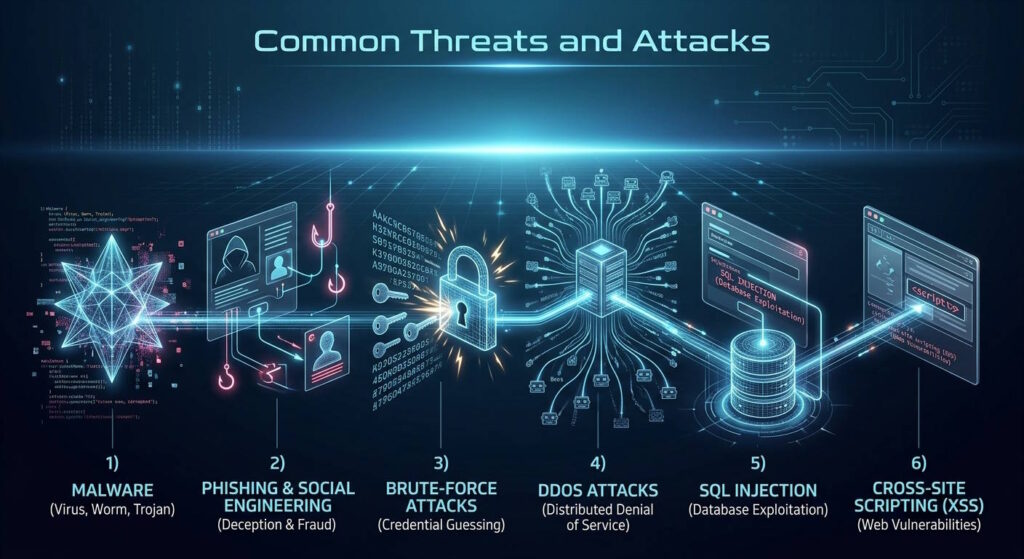
Here are some of the most common threats and attacks to be aware of:
- Malware: Harmful software that can infect a website, steal data, alter files, or redirect visitors to other pages.
- Phishing and social engineering: Deceptive tactics used to trick people into revealing login details, clicking on unsafe links, or giving attackers access to restricted systems.
- Brute-force attacks: Repeated attempts to access a website by guessing login credentials, often with automated tools that test many combinations.
- DDoS attacks: Large amounts of traffic sent from multiple sources to overwhelm a website or server, causing performance issues or making it unavailable.
- SQL injection: Code entered through areas such as login forms or search boxes to access, change, or delete information in a website’s database.
- Cross-site scripting (XSS): Scripts inserted into a website that run in visitors’ browsers, potentially exposing data or altering page content.
How to Improve Website Security
Knowing the risks is only one part of keeping your website secure.
The next step is putting measures in place that reduce weak points and make security issues less likely to occur.
Here are the key steps you should take:
Keep Your Software Updated
Outdated software can contain known vulnerabilities that attackers may exploit.
That’s why you should regularly update your content management system (CMS), plugins, themes, and other components to make sure you have the latest security patches.
Where possible, enable automatic updates so important fixes are applied as soon as they become available.
Additionally, you should remove components you no longer use, as they can create unnecessary security risks.
Use Strong Passwords and MFA
Weak or reused passwords can make it much easier for attackers to compromise your website.
So, you should use strong, unique passwords for every account and avoid sharing credentials between users.
For an additional layer of security, enable multi-factor authentication (MFA) wherever possible, so that using a password alone is not enough to access the account.
On top of that, you should review website accounts regularly and remove any that are no longer in use.
Manage User Access
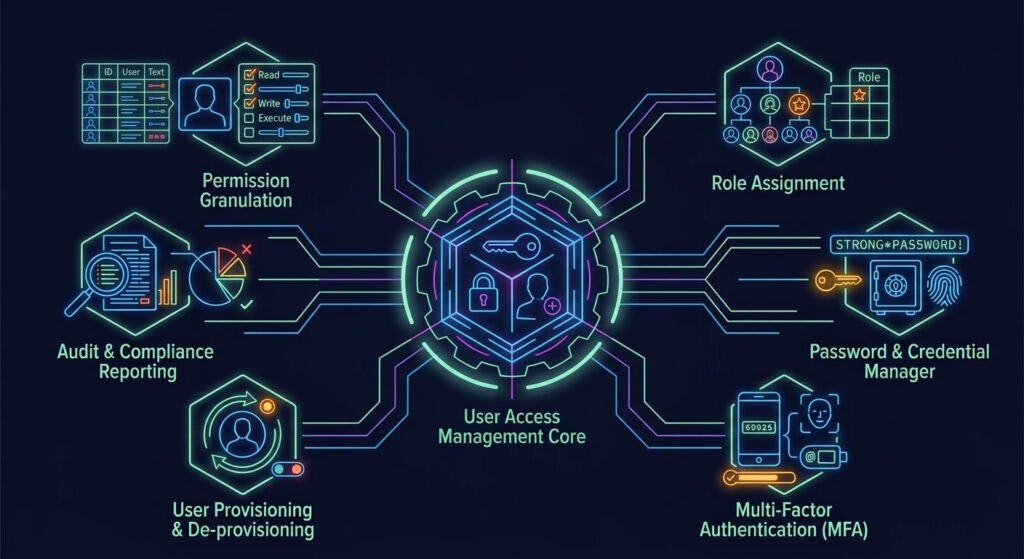
Giving users more permissions than they need can create an unnecessary risk. To avoid this, access levels should reflect each person’s role and responsibilities.
Administrator privileges, for example, should only be given to those who genuinely need them.
As roles change, it’s also worth verifying that permissions still match each user’s requirements.
Enable SSL and HTTPS
Another important step is installing an SSL certificate, which encrypts the data exchanged between your website and its visitors.
In turn, this keeps information such as login and payment details from being intercepted.
You should also enable HTTPS across your entire website to ensure the encrypted connection applies to every page.
Finally, you should keep track of your SSL certificate’s expiration date or enable automatic renewal so that you can avoid any gaps in protection.
Choose Secure Web Hosting
Your hosting provider also plays a significant role in protecting your website, so you should consider what security measures it offers.
Features such as server monitoring, malware scanning, DDoS protection, and regular updates can reduce potential risks.
Reliable support is equally important, as having help available can make a real difference if an issue occurs.
In addition, you should check what your plan includes, as the level of protection can vary between providers and hosting plans.
Use a Web Application Firewall
A web application firewall (WAF) adds another layer of protection by filtering traffic before it reaches your website.
As a result, suspicious requests can be blocked, while legitimate visitors can still access your site.
To keep it effective, you should make sure your WAF is properly configured and updated as new threats emerge.
Perform Regular Backups
Regular backups are an important part of website security, as they allow you to restore your site and recover essential data when needed.
For greater reliability, backups should be created automatically and stored separately from your website.
It’s also a good idea to keep multiple recent copies and test them occasionally to make sure they are working as intended.
Monitor Website Activity
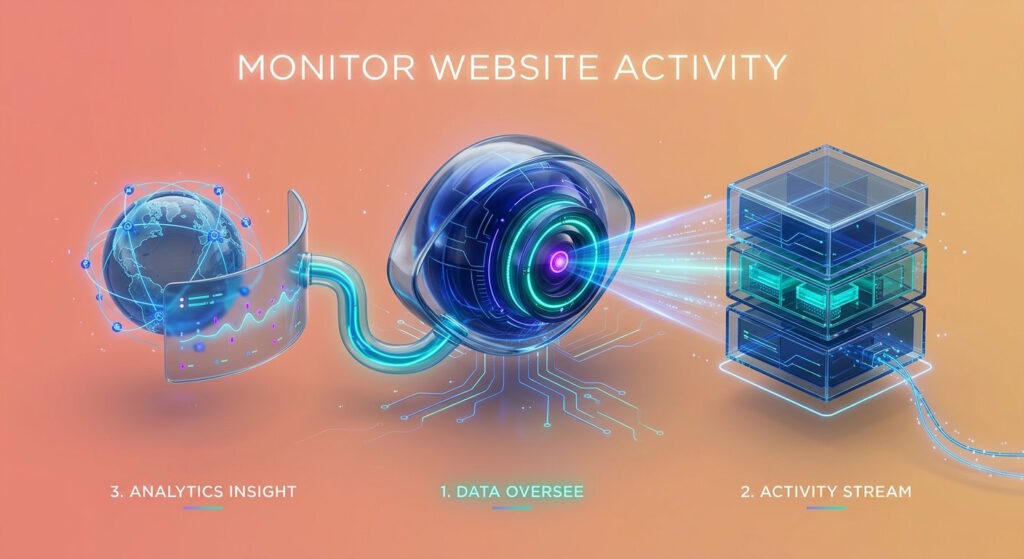
Next, regular monitoring can help you spot potential security issues before they can cause more serious problems.
For example, it’s worth keeping an eye on failed login attempts, unexpected file changes, or sudden spikes in website traffic.
Security scans can also make it easier for you to identify malware and other threats that may otherwise go unnoticed.
If possible, you should set up automatic alerts so you can respond quickly if unusual activity occurs.
Conduct Penetration Testing
Penetration testing can uncover weaknesses by simulating real-world attacks on your website in a controlled environment.
As a result, you can see how well your existing security measures hold up and identify areas that may need to be improved.
For the most accurate results, these tests should be carried out by qualified security professionals who can properly assess potential vulnerabilities.
Educate Your Team
Even strong security measures can be undermined if employees with access to your website don’t follow safe practices.
For this reason, raising awareness of common risks such as suspicious emails and links is essential.
Additionally, proper handling of login credentials should be part of their daily routine.
It is also important that employees have a clear way to report potential security concerns so they can be addressed quickly.
Conclusion
New security threats continue to emerge, making strong website protection more important than ever.
With the right measures in place, you can reduce vulnerabilities, protect your visitors, and minimize the risk of attacks.
Ultimately, keeping your website secure comes down to making security an ongoing priority rather than an occasional task.
Author
Monica Jansen
Monica Jansen is a seasoned tech writer focused on web hosting and cybersecurity. She loves doing deep dives and whittling down difficult topics into simple and succinct concepts. Whether she is covering firewalls or different hosting plans, she always strives to provide clear guides that website owners of all skill levels can follow.
Add your comment
Get content delivered straight to your inbox


Your data.
Your choice.
Work with the best of the best — your projects deserve it.