Back to Blog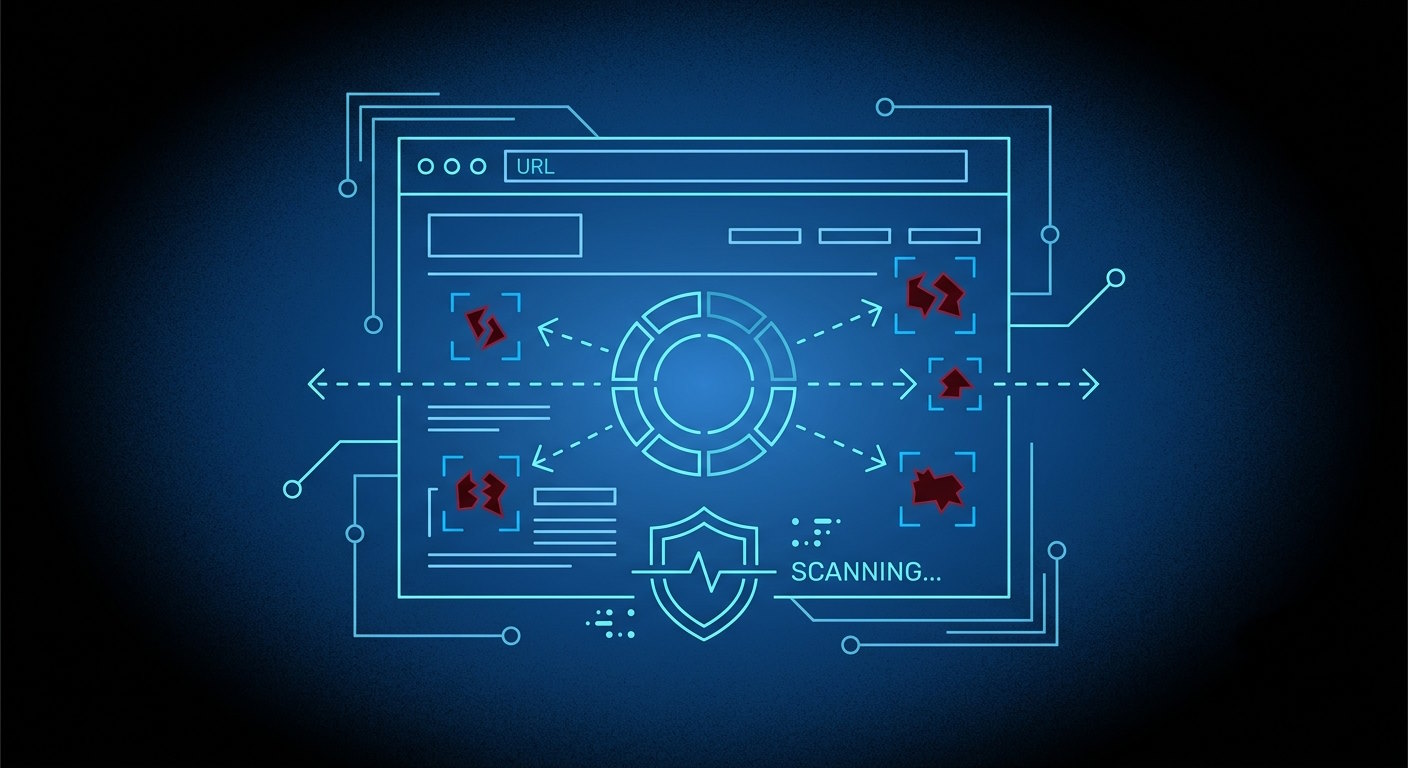



Monica Jansen
Jul 29, 2026
How To Scan a Website for Malware in 2026
Due to the ever-growing cybercrime rates, knowing how to protect your website from malware is an essential skill.
Short for malicious software, malware is designed to infect and disrupt:
- Servers
- Networks
- Computers
- Websites
Whether it is used to steal data, take control, or hold sites hostage, malware can severely impact a business and cause huge revenue losses.
To ensure your platform stays secure, it is pivotal to act proactively and prevent attacks before they occur. And in case it is too late for that, knowing how to find and remove malware is just as important.
In the sections that follow, we will teach you everything you should know about malware, including:
Follow along for actionable tips!
Malware 101: Defining the Enemy
Malware refers to any malicious software that is injected into a system, network, or platform without the webmaster’s knowledge or consent.
It is a broad term that encompasses a wide range of threats, including:
- Viruses and trojans: Designed to damage or change files, often by spreading to other parts of the site or server once inside.
- Ransomware: Encrypts your website’s or web application’s data and demands payment for its release.
- Spyware: Monitors and steals information.
- SEO spam: Involves injecting spammy keywords, links, or fake pages into a site to manipulate search engine rankings—usually benefiting a competitor.
- Malicious scripts: Injected through vulnerabilities in themes, plugins, or forms, and can redirect visitors to harmful sites, display unwanted ads, or steal user credentials.
- Backdoors: Allow attackers to regain access to your website even after the initial malware is removed.
Regardless of the specific type of malware used, it can lead to huge financial losses, reputational damage, and even legal consequences.
Thus, knowing how to protect yourself is a must, no matter what type of website you run.
Recognizing All the Signs of Malware
Though you might think that spotting malware inside your system is easy, the reality is quite different.
In fact, the tricky thing about malware is that it is often difficult to spot signs of infection until it is too late.
Namely, malware attacks seldom feature website defacement, meaning that your platform will still look the same as it always does. This ability to hide in plain sight is what makes malware so dangerous.
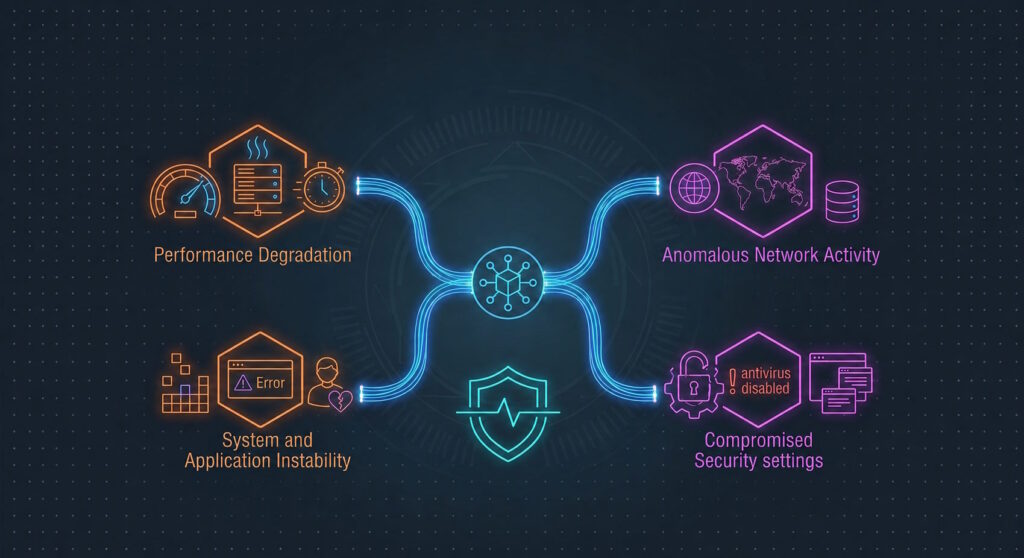
Still, there are some tell-tale signs that might point toward a malware infection, such as:
- Performance issues: Your website loading extremely slowly or experiencing downtime because browsers and security software deny you access to it.
- Traffic changes: Including a huge drop in visitors and in search engine rankings.
- Access problems: The inability to access your admin page due to an unauthorized change of passwords or other credentials.
- Unauthorized changes: New ads, content, or users being added to your site or domain without your knowledge.
Therefore, if you notice any (or all) of these changes, reacting quickly is pivotal.
How to Check Your Website for Malware
To see whether your platform has been infected by malware, you should perform the checks listed below on a regular basis.
Keep Track of Your Website Content
The easiest way to look for malware is to continuously check your website by visiting it like any regular user would.
You should look for any unauthorized ads, pop-ups, or any other suspicious activity. Another good place to check is any sign-up or comment section on your platform, or any other spots where users have to input their information.
Namely, these places are typical malware entry points, so ensuring they are clear and safe is essential.
Check Your Website Files
Malware often hides in the form of website files, so taking a look at them from time to time is a good idea.
Most of the time, you will be able to spot anything suspicious from the file name alone. Malware typically has a nonsensical, scrambled name containing a bunch of random numbers and letters.
However, sometimes, it can also look deceptively safe, with just a letter or two changed or misspelled. For instance, wp-logln.php can appear instead of the correct wp-login.php file.
For this reason, you should check everything extra carefully to ensure you do not miss anything.
Also, always check the Last Modified section, as well as any hidden files that might be lurking.
Check the Site Source Code
Malware can also appear in your website’s source code, and you can check for it even if you do not have extensive coding experience.
The key is to keep an eye out for any suspicious iframe or script bits. Namely, that is where malware often hides, especially if the script and iframe are unfamiliar or third-party based.
To find any discrepancies, locate the <script src="..."> and <iframe src="..."> elements and look for anything that you do not recognize.
Aside from these, you should also pay attention to any:
- Unreadable character strings
- Encoded text
- Unfamiliar JavaScript functions
- Unexpected script placements
To make things easier, you can compare the code to a clean backup and easily find any potential differences.
Inspect Your Databases
To access and download your databases, you will have to use the specific database administration tool used by your hosting provider.
Once you have access to your databases, you can go about scanning them for malware in two ways.
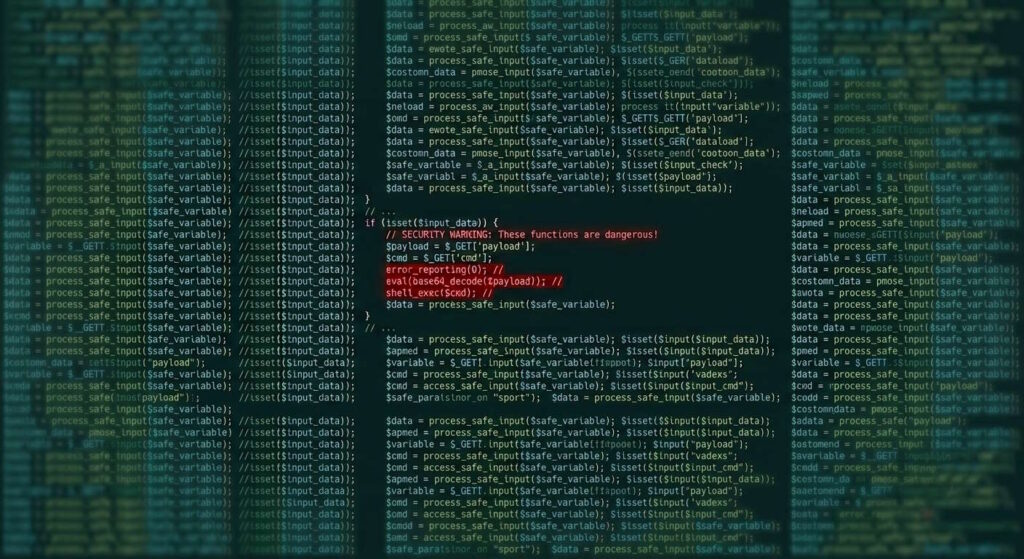
First, you can look for suspicious bits of syntax that hackers typically leave behind when infecting a site with malware. Examples include base64_decode, eval, shell_exec, error_reporting(0), GLOBALS, and so on.
If you notice any of these, you can assume that something is amiss with the code and that you will need to react.
On the other hand, finding malware can also be as easy as scanning the databases you download with your computer’s anti-virus software.
After the scan is complete, you should go through the list of issues raised and deal with any elements that need your immediate attention.
Use Abelohost’s Anti-Hacking Protection Services
The tips above are all manual tasks, and they require a lot of time and effort on your part. And though you should always check on your website, it’s next to impossible to do so every day.
That’s why working with a hosting provider that offers reliable protection against malware is crucial.
At Abelohost, we provide all our clients with maximum anti-hacking protection, regardless of which hosting plan they choose.
How It Works
Our automated malware scans and system monitoring tools detect any suspicious activity as soon as it occurs. They then send urgent alerts, helping our clients react quickly and prevent any significant damage.
To achieve maximum success, we provide you with a strong firewall, regular checks, and a detection and protection system that adapts to new threats seamlessly.
Therefore, you do not have to perform manual checks every day and live in fear of malware.
In case an attack occurs, you will be notified and told exactly what to do. All the while, your website will remain operational without any issues.
Put simply, our malware protection kit does all the work, allowing you to focus on running and growing your website.
Conclusion
In the end, being quick and proactive is the best way to combat malware. That’s why regular manual or automated checks should be an essential part of every webmaster’s checklist.
To ensure your website stays secure and always online, you can use our advanced detection and malware protection systems. And if you need advice or have further questions, you can always reach out to us.
Together, we will keep your website safe and malware-free, allowing it to thrive!
Author
Monica Jansen
Monica Jansen is a seasoned tech writer focused on web hosting and cybersecurity. She loves doing deep dives and whittling down difficult topics into simple and succinct concepts. Whether she is covering firewalls or different hosting plans, she always strives to provide clear guides that website owners of all skill levels can follow.
Add your comment
Get content delivered straight to your inbox


Your data.
Your choice.
Work with the best of the best — your projects deserve it.