Back to Blog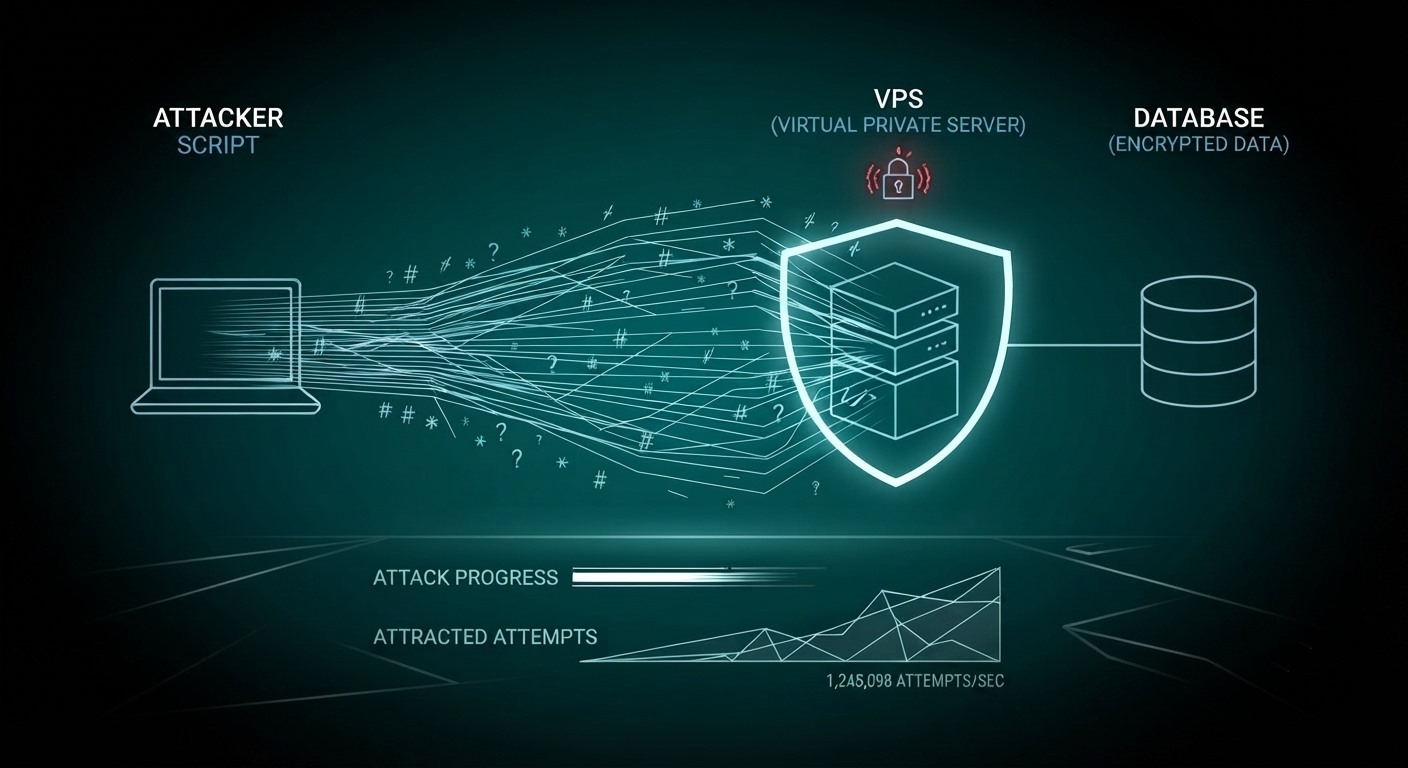



Monica Jansen
Sep 25, 2026
How To Prevent a Brute Force Attack on Your VPS
With cyber threats becoming more serious and complex every day, knowing how to protect your virtual private server (VPS) from malicious activity is pivotal.
Brute force attacks are some of the most common—and dangerous—threats a VPS can face.
From losing control of your server to surrendering your most sensitive data to attackers, the risks they pose are endless.
To prevent these attacks from happening, you need to implement several security measures.
We will go over them below and give you all the information you need to fully safeguard your VPS, including:
- Brute Force Attacks Defined
- The Consequences
- Recognizing a Brute Force Attack
- How to Protect Your Server: A Checklist
Read on!
What Are Brute Force Attacks?
As their name suggests, brute force attacks are aggressive and persistent attempts to gain unauthorized access to a VPS.
They work based on a simple principle: the attacker tries to log into the server by attempting different password and username combinations. The goal is to, over time, hack into the server using the trial-and-error method.
Though it might seem like a difficult endeavor, these attacks are actually quite successful, mostly because:
- Most people are not careful when picking passwords: Simple combinations and dates are easy to guess and exploit.
- These attacks are often automated: It’s not a human manually inputting password and username combinations. Instead, a machine does it all automatically, speeding up the process exponentially.
For these reasons, brute force attacks are some of the most common ways in which hackers try to take control and steal data.
What Are the Consequences of Brute Force Attacks?
Depending on what the perpetrator’s aim is, the effects of a successful brute force attack can be devastating.
- The attacker gains access to all your sensitive information: They can do anything they want with it, including identity theft and data misuse.
- Brute force attacks can lead to serious financial losses: This is especially true if the server contains information connected to your bank or crypto wallet.
- Hackers can also activate root-level commands: This way, they would take control of the entire server. Once that occurs, you will not be able to access it or have any say in what happens to it.
- Attack attempts can undermine your VPS security: They can flood it with harmful traffic that drains system resources and slows down overall server performance, causing you even more financial issues.
In short, these types of threats are dangerous on every level, which is why understanding how to prevent them is essential.
How to Recognize a Brute Force Attack
Though they are extremely common, brute force attacks are not nearly the only threat you can encounter in the online world.
That is why recognizing them and telling them apart from other types of malicious activity is crucial.
Here are some tell-tale signs of these attacks that you should never ignore:
- Repeated failed login attempts: Especially within a short period.
- Unusually high resource usage: As these attacks drain a lot of CPU and memory reserves.
- Atypical network traffic: Particularly if there is no other reason for it to occur.
- Suspicious IP addresses: Mainly those that are trying and failing to connect to the server over and over again.
If you notice any—or all—of these issues, chances are that you are a target of attempted brute force attacks.
Reacting quickly and taking the necessary steps to protect yourself is crucial, and we’re about to teach you all you need to know below.
Protecting Your Server from Brute Force Attacks: A Checklist
If you want to do everything in your power to mitigate brute force attacks on your VPS, these are the steps you should take.
1. Limit Root Access
Root access accounts give you complete control over your server and its operating system. By having and using one, you can make any changes you want from a single place, saving a lot of time.
However, this type of convenience also comes with a serious threat.
Namely, if someone hacks into your root access account, they will gain unrestricted access to your VPS. In fact, most hackers target precisely root accounts with brute force attacks.
Thus, to protect yourself and lower the risk of an attack, it is best to:
- Fully disable the root user login: In its stead, you can create a completely separate account with more restricted authorizations.
- Use the new account for all your everyday tasks: This considerably lowers the risk of exposure to an attack. And if someone still manages to hack into this account, they still won’t have the root controls necessary to execute essential commands.
That way, your VPS will remain safe until you can get your account back, and your incurred losses will be minimal.
2. Improve Your Password Practices
As we have already mentioned, brute force attacks are so widely successful because most people have poor password practices.
Let us explain. Many internet users utilize the same password for all their accounts. What’s more, they pick phrases that are familiar and easy to remember, including personal details.
Not to mention, they try to make the password as memorable as possible, so they do not add any capital letters or punctuation marks.
The result is passwords that are easy to crack with enough effort, making people extremely easy targets for brute-force attackers.
How To Set Up Your Passwords
Naturally, this is not a huge issue if you simply have a few social media accounts that you do not store any essential data on.
However, if you own a VPS and you use a weak and easily guessable password, you'll be in a lot of trouble, so you should change your root password.
In fact, implementing better password practices is paramount:
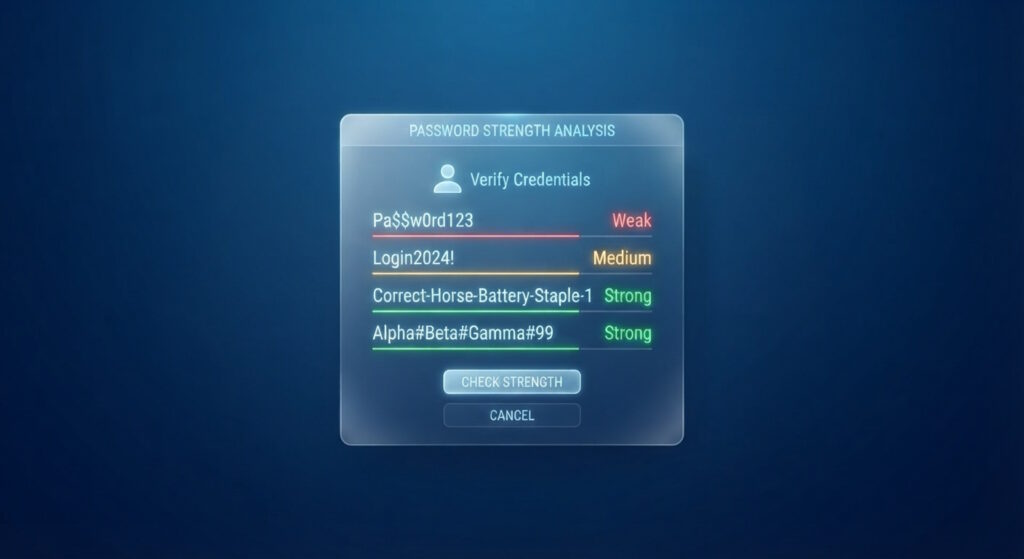
- Never use personal information: Whether it’s dates, names, surnames, or any data about your family members, try to completely avoid using it in your passwords.
- Pick a diverse combination of characters: This includes capital and lowercase letters, as well as numbers and punctuation marks.
- Don’t spell out anything in particular: Random combinations of these characters are your best bet, especially for a VPS login.
- Use a password generator app: If you can't think of one on your own, there are dozens of apps and software add-ons that can suggest random passwords for you. By using them, you can save yourself time and effort.
- Change your passwords every 2 to 3 months: If you work with sensitive data, this frequency should be even higher—at least once a month.
That way, you will ensure hackers have an even more difficult time bypassing your defenses and taking over your VPS.
3. Use a Sturdy Firewall
A firewall is an indispensable part of your VPS security system. It is your first line of defense against all types of malicious activities, including brute force attacks.
When choosing a firewall, it’s worth looking beyond the basics and focusing on capabilities like:
- Intrusion detection and prevention
- Application-aware filtering
- Deep packet inspection
These tools strengthen the firewall’s ability to recognize and stop suspicious activity before it becomes a real problem.
With them as an integral part of your firewall, you will be able to create lists of trusted and suspicious IP addresses alike. That way, you will be able to control and determine who can access your VPS.
Aside from investing in a good firewall, it is also important to update and patch it often. Cybercrime is advancing at record speed, so downloading all the latest patches and software updates is pivotal.
4. Use Two-Factor Authentication
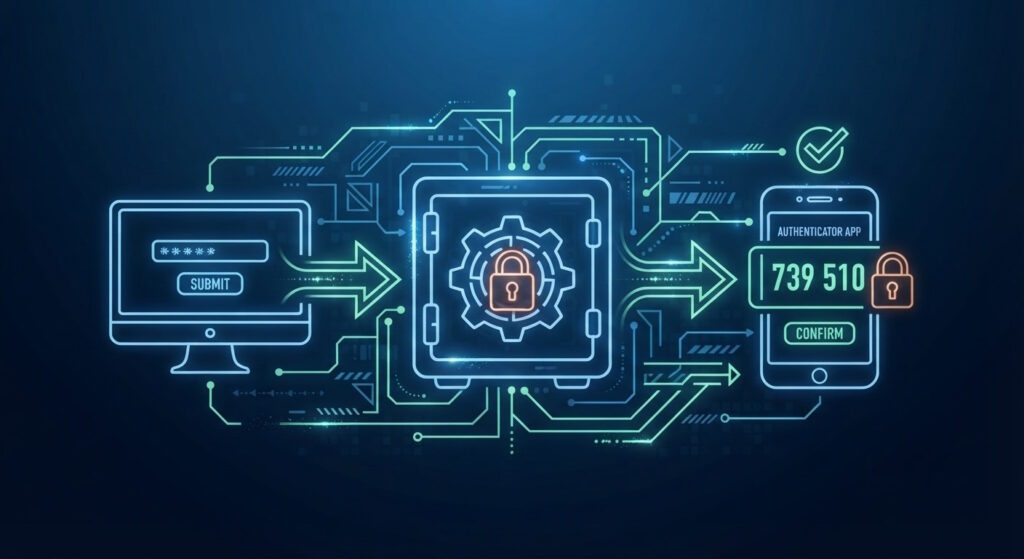
Two-factor authentication (2FA) is a security measure that provides you with an extra layer of protection when logging into your VPS.
As its name suggests, this type of verification system uses two factors:
- Something you know (i.e., a password)
- Something you have (like a fingerprint or face scan)
Aside from the biometric factors mentioned above, you can also combine your usual password with a time-based one-time password (TOTP).
These passwords are typically sent to your phone or email, and they are valid for 30 seconds, just enough to let you complete logging in.
Finally, you can also use physical hardware keys as your second authentication layer. You will need to plug them into your USB port every time you log in, and no one else will be able to take over your account without that key.
Conclusion
As you have seen, brute force attacks can be kept at bay by combining different security measures, many of which we’ve outlined here.
Strong password practices, enabling multi-factor authentication, a healthy firewall, and limiting access to trusted IP addresses all play a key role in reducing risk.
By following these rather straightforward practices, you’ll greatly improve your VPS defenses and keep your sensitive information out of reach of cybercriminals.
Author
Monica Jansen
Monica Jansen is a seasoned tech writer focused on web hosting and cybersecurity. She loves doing deep dives and whittling down difficult topics into simple and succinct concepts. Whether she is covering firewalls or different hosting plans, she always strives to provide clear guides that website owners of all skill levels can follow.
Add your comment
Get content delivered straight to your inbox



Your data.
Your choice.
Work with the best of the best — your projects deserve it.