Back to Blog


Monica Jansen
Aug 12, 2026
How To Protect Your WordPress Site from Hackers
Currently, over 41% of the world’s websites run on the WordPress software, making it the most popular content management system (CMS) on the planet.
Due to this level of popularity, WordPress is also a frequent target for all types of cyberattacks—even though its security system is quite advanced.
In the sections that follow, we will outline the following:
- Why You Need WordPress Security
- How WordPress Sites Get Compromised
- How to Secure a WordPress Website
- Update WordPress Frequently
- Secure Your Login Credentials
- Pick a Trusty WordPress Theme
- Install an SSL Certificate
- Remove Unnecessary Plugins and Themes
- Enable Two-Factor Authentication
- Perform Regular Backups
- Monitor All User Activity
- Automatically Log Out Inactive Users
- Perform Regular Malware Scans
- Pick a Reliable Hosting Provider
If you own a WordPress site (or you are planning on starting one), read on to learn how to keep your website fully safe from all hackers.
The Importance of Better WordPress Security
In the digital world, your website is your face.
As such, it is the first thing that visitors see when searching for you. It tells them whether you’re trustworthy and whether visiting your page is worth their while.
If your website fails to load, is slow, or contains links and ads that spread malware—all due to hacks—your audience will run for the hills.
As a result, you will:
- Lose potential revenue
- Take a big reputational hit
- Drive your audience to your competitors
- See your search engine ranking plummet
Not to mention, if the attack is severe enough, you could lose your website entirely. That brings a whole slew of additional costs to the table, ones which you might not be able to recover from.
For all these reasons, it is essential to improve your security in every possible way. Not only will you protect your site from ending up in the wrong hands, but you will shield your reputation and ensure your audience stays loyal.
How Do WordPress Sites Get Compromised?
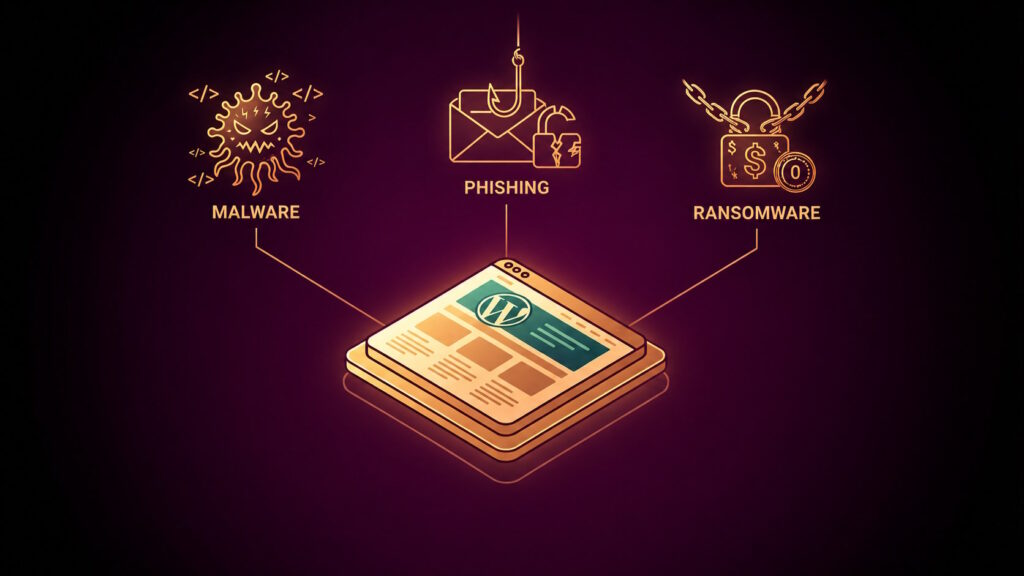
Attackers target WordPress websites in a variety of ways. Most typically, they use:
- Brute force attacks: Cracking your credentials over time and stealing your password.
- Existing software vulnerabilities: Hackers can also exploit any vulnerabilities in outdated WordPress themes and plugins, especially if you do not update and patch them regularly.
- DDoS: A basic but highly effective attack, where your website is bombarded with a massive volume of bot traffic to slow it down or incapacitate it.
- SQL injection: Sometimes, hackers can use regular contact forms to insert damaging malware into your WordPress site.
- Lackluster access control: If you give access or control of your website to those who do not need it, you open yourself up to many potential security issues.
To avoid all of this, you need to take all the precautions necessary to make your website as impenetrable as possible.
We will dive into those precautions below, so keep reading.
How to Secure Your WordPress Website: Complete Checklist
1. Update WordPress Frequently
Like all content management systems, apps, and software types, WordPress releases regular updates.
They are meant to:
- Enhance performance
- Patch up security vulnerabilities
- Improve functionality for users
However, although updating WordPress is one of the easiest tasks out there, not many users do it. In fact, over 35% of them are using older versions of the software at any given time.
As a result, they are leaving themselves vulnerable to all types of malicious attacks.
To avoid that, you simply need to check for updates regularly. You can do so by navigating to your Dashboard after logging in and going to the Updates tab.
If you see that there is an update available for download, all you have to do is install it.
Enabling Automatic Updates
Also, if you want to ease up on your workload, you can enable automatic updates for everything from themes to plugins.
Just go to Security, and then head to the WordPress auto-updates section and select Smart auto-updates.
From there, just pick All updates, and you’ll be good to go. Every new update will be installed automatically, so you’ll always be safe.
2. Secure Your Login Credentials
Password and username safety is paramount for preventing malicious attacks—especially those of the brute force variety.
Yet, most people use credentials that are simple and easy to remember—and guess. These include personal information, names, birth dates, and the like.
Instead of these, it is recommended to use strong passwords that consist of random uppercase and lowercase letters, numbers, and punctuation marks.
Update Passwords Regularly
Furthermore, it is best to change the password as often as possible, preferably at least once a month.
In case you aren’t that adept at coming up with complex passwords, you can always use online tools to create strong credentials for you. 1Password is one of the most commonly used solutions.
It will save you time and effort while still helping you improve your security.
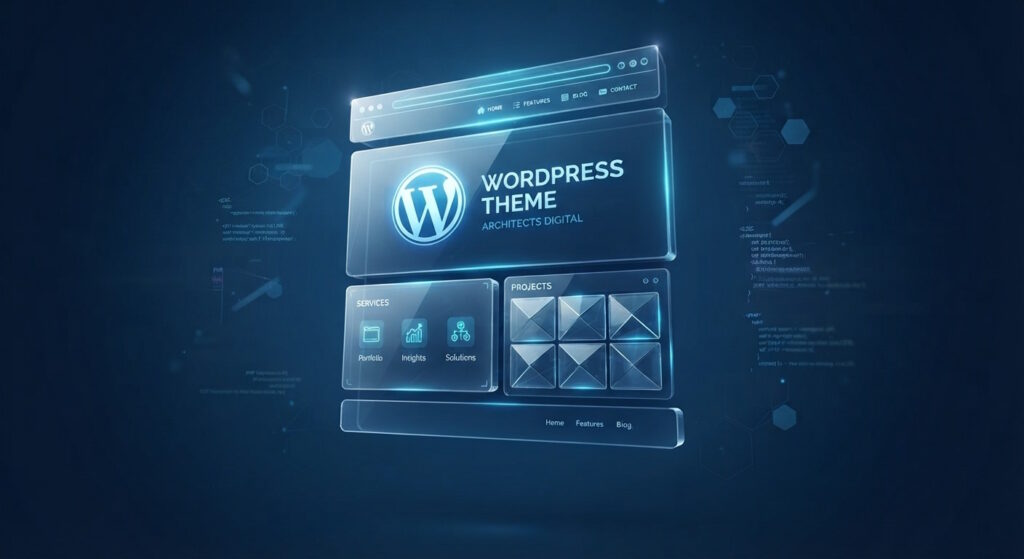
3. Pick a Trustworthy WordPress Theme
When you make a WordPress site and start looking for themes, you will notice that there are many cheap copies available for purchase.
These solutions are called Nulled themes, and they are hacked versions of original WordPress themes that you have to pay a fee for.
Although they are cheap and easy to install, they often contain malicious links and backdoors that allow hackers to easily take control of your website.
Get Expert Support
Another drawback of the unofficial versions is that they aren’t the responsibility of the official WordPress customer service team. Therefore, if your site is compromised, they are not responsible for getting it back or helping you.
To stay safe, you need to pay for an original WordPress theme. It will require a slightly higher one-time expense, but it will ensure your code is malware- and backdoor-free.
It will also guarantee you help from the WordPress developers if you ever need help or experience a breach.
4. Install an SSL Certificate
Next, installing an SSL (Secure Sockets Layer) certificate is also important for the overall security of your WordPress site.
The SSL protocol encrypts data passed between visitors and websites, ensuring they are the only ones that can decipher it.
That way, if any of the data is intercepted by malicious parties, it is virtually useless, as it cannot be accessed without the right key.
SSL Certificates Also Build Trust
All websites with this type of security have an HTTP Strict Transport Security header, making them easy to recognize.
It is important to note that you should only acquire certificates from a trustworthy Certificate Authority (CA).
Alternatively, opt for a hosting provider that offers SSL encryption with all its domain or hosting plans. That is a smart and seamless way to secure this type of protection without getting your own hands dirty.
5. Remove Unnecessary Plugins and Themes
Outdated plugins and themes that are no longer in use are often the cause of security issues.
It is easy to forget about them after you upgrade to a better option. That is especially the case when a lot of time goes by and you fail to update them.
Thus, ensure your website runs smoothly and that there are no vulnerabilities that hackers can exploit, it is best to remove all plugins and themes you aren’t using as soon as you can.
You will see the delete button under every theme or plugin that isn’t in use, and removing them will only take a few seconds.
Aside from improving your security, you will also help your site run more smoothly, as it will be unburdened from all the plugins and themes that were hogging up its resources.
6. Enable Two-Factor Authentication
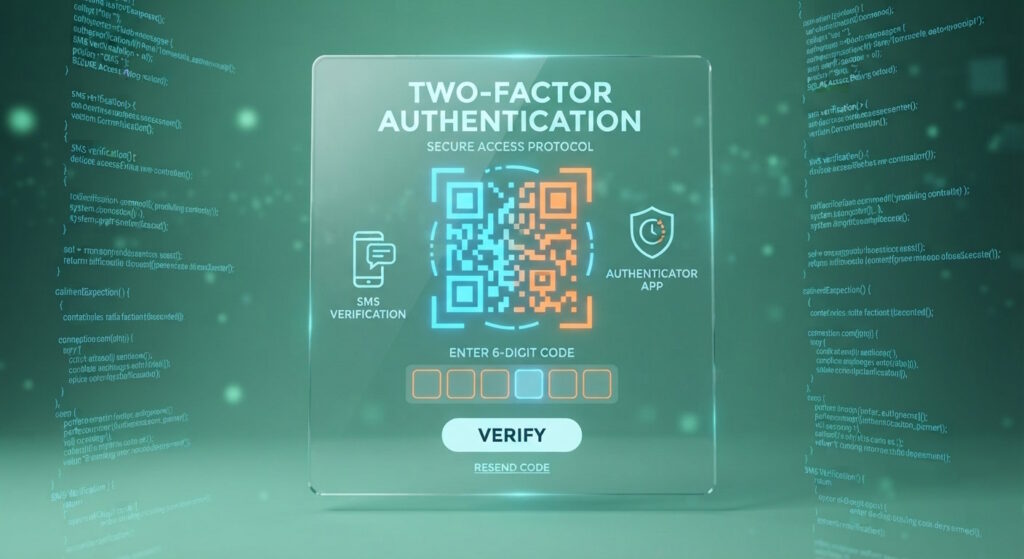
Enabling Two-Factor Authentication (2FA) is another excellent security measure.
It involves putting up another layer of protection during login, which typically includes a one-time unique code.
When logging in, you will input your credentials and then also add the code that you receive via text or email.
By adding this extra step, you will significantly lower the chances of brute force attacks or any other breaches that target your login details.
7. Perform Regular Backups
In case incidents happen—and this possibility is realistic, regardless of how many precautions you take—having regular backup versions of your website at the ready is essential.
Your backup file should contain all your WordPress code files and your database. That way, you will be able to recover your entire platform easily.
You can do this on your own by downloading a plugin such as All-in-One WP Migration. This add-on allows you to make regular backups and save them to your device for whenever you might need them.
Let Your Provider Handle It for You
Of course, you can also lean on your hosting provider. Many of them offer user-friendly backup features that allow you to back up or restore an earlier version of your website in just a few clicks.
Whatever option you pick, you will have a clear and easy plan of action in case a breach happens, and you need to react quickly.
8. Monitor All User Activity
By closely tracking all activity in your admin area, you can preemptively identify any malicious or suspicious activity.
This strategy is especially important for those who have several users with login access to a WordPress website.
You can easily monitor all types of activity for each individual user with plugins such as WP Activity Log and Simple History. Thanks to these, you will be able to monitor what users modify, delete, or add when they are logged into your site.
And if anything is suspicious, you will be able to take action right away.
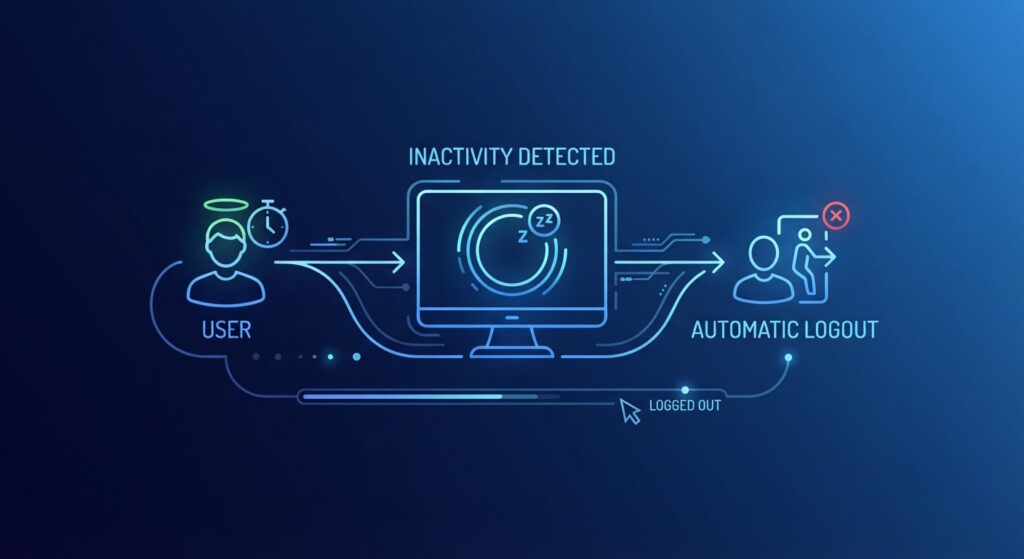
9. Automatically Log Out Inactive Users
Speaking of various users having access to your website—if they do not log out after concluding their sessions, they can expose you to breaches.
Typically, that happens because someone gains access to the admin’s device while they are still logged in.
To avoid such issues, you can install a plugin that logs idle users out immediately. It’s a feature that is prominent on banking and payment processor sites, and it does wonders for data theft prevention.
Inactive Logout is the best plugin you can use to this end. Aside from ensuring users are logged out, it can also send them alerts that notify them their sessions are about to expire.
10. Perform Regular Malware Scans
With the tech and digital world expanding at an incredible speed, the amount of malware going around rises exponentially every day.
To protect yourself, it is paramount to scan your WordPress website for malware regularly.
Luckily, numerous plugins can help you with that, including:
Apart from scanning and monitoring, these tools also offer additional features like backup and restoration tools, and much more.
With them as part of your arsenal, you will be able to check your website for any malicious agents whenever you want. As a result, you'll step up your security and improve your chances of avoiding hackers altogether.
11. Pick a Reliable Hosting Provider
Finally, and as we have mentioned a couple of times already, choosing a reliable hosting provider is extremely important for every WordPress site.
After all, your provider is the one that manages your underlying infrastructure and helps defend against hackers by offering features like:
- Firewalls
- DDoS protection
- SSL certificates
- Malware scanning
- Regular updates
Plus, every trustworthy host monitors for any and all vulnerabilities, ensuring they have the appropriate response ready in case of an attack.
For this reason, you should only put your website in the hands of providers that will put your security first.
Abelohost is one of them, as we put in time, effort, and resources to improve our security measures for all our WordPress users.
All you have to do is contact us—we will take care of the rest and ensure your website is always safe.
Conclusion
Today, cyberthreats come in many shapes and forms, and WordPress websites are often the first in their line of attack.
Therefore, all WordPress site owners should take as many steps as they can to secure their platforms. By applying all the security measures we outlined above, you can do wonders for your site’s overall safety.
Though it is best to regularly implement them all, scanning for malware, saving backups, and updating everything regularly is definitely a must—and an excellent start.
Hopefully, this list helps you understand why WordPress security is important and how you can improve your own.
Feel free to reach out to us with any questions—we are always here for you.
Author
Monica Jansen
Monica Jansen is a seasoned tech writer focused on web hosting and cybersecurity. She loves doing deep dives and whittling down difficult topics into simple and succinct concepts. Whether she is covering firewalls or different hosting plans, she always strives to provide clear guides that website owners of all skill levels can follow.
Add your comment
Get content delivered straight to your inbox

Your data.
Your choice.
Work with the best of the best — your projects deserve it.