Back to Blog


Monica Jansen
Sep 1, 2026
Best Web Browsers and Extensions for Privacy
Every website you visit, every search you make, and every link you click can reveal something about you.
While there are options like VPS hosting that increase privacy for your own site, your browsing data can still be used to track your activity and shape the ads and content you see.
With that in mind, the browser you use can make a significant difference in how much of that information is exposed. Combined with the right privacy extensions, it can help reduce tracking and give you greater control over your online activity.
To help you choose wisely, we’ve narrowed down the browsers and extensions that offer the strongest privacy features.
Privacy-Focused Browsers
Greater online privacy starts with the browser itself.
Privacy-focused browsers come with integrated features designed to limit tracking and unnecessary data collection.
The following browsers offer some of the strongest overall protection.
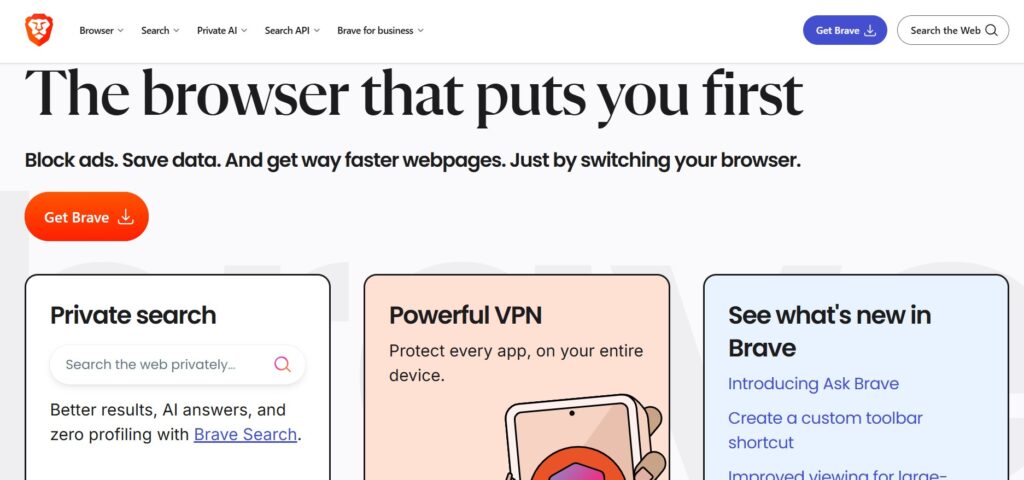
Brave
Brave puts privacy at the center of the browsing experience. It blocks ads and trackers by default, ensuring you get strong protection without having to change many settings.
Additionally, it has a Shields feature, designed to block cross-site cookies and prevent fingerprinting. These protections can be adjusted for individual websites if needed.
Brave also keeps the browsing experience familiar and easy to use. Its Chromium base gives you access to many Chrome extensions and reliable performance across the web.
Overall, it’s a strong choice for anyone looking to balance privacy with user-friendliness.
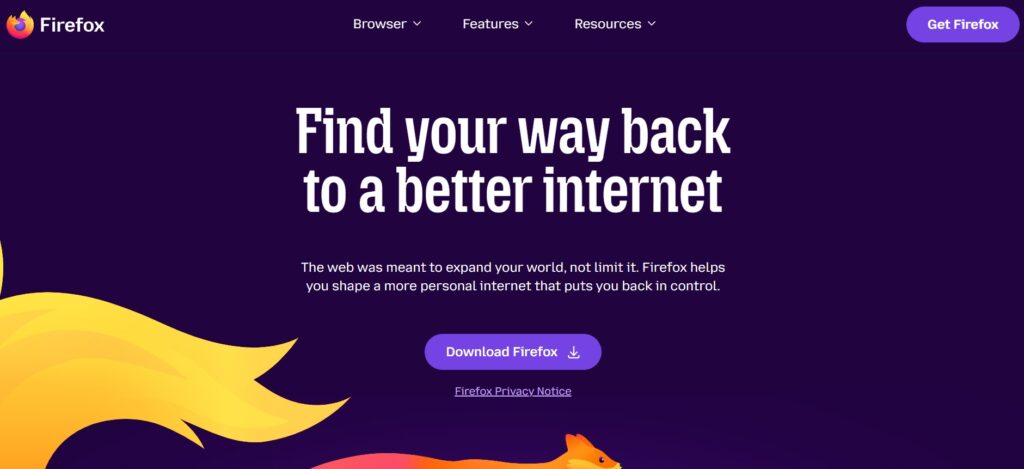
Mozilla Firefox
Mozilla Firefox gives you plenty of control over how your browsing data is handled. It also supports a large selection of privacy extensions, allowing you to further customize your browser experience.
On top of that, it comes with Enhanced Tracking Protection, which blocks many trackers, cross-site tracking cookies, and cryptominers by default.
Unlike many popular browsers, Firefox uses its own engine rather than Chromium.
Ultimately, it’s particularly suited to users who prefer customization and greater control over their browsing privacy.
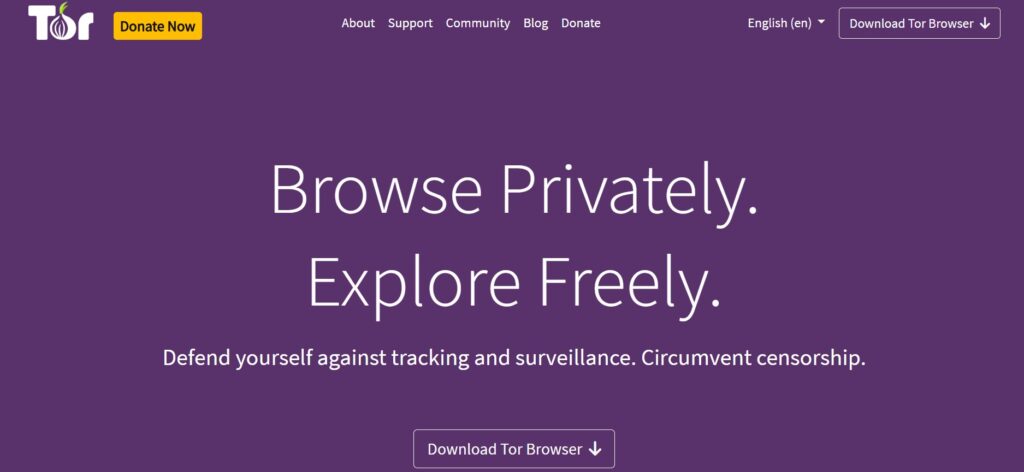
Tor Browser
Tor Browser is all about ensuring your online anonymity. It routes your traffic through the Tor network, making it harder for websites and other parties to trace your activity back to you.
Beyond that, it blocks trackers and includes measures designed to resist browser fingerprinting. Cookies and browsing history are also cleared after each session.
However, the added anonymity can result in slower browsing given that your traffic travels through several different servers. Some websites may even block Tor connections or require additional verification.
For that reason, it works well for users who prioritize anonymity over speed and convenience.
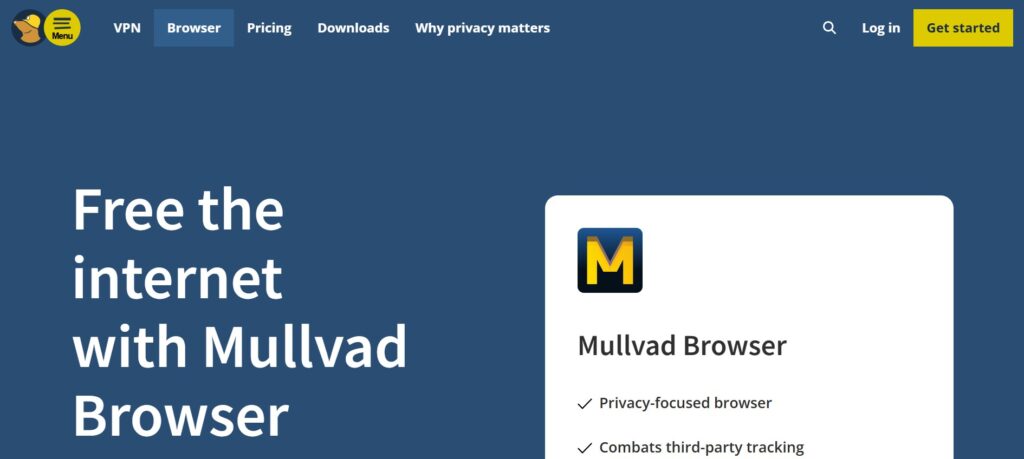
Mullvad Browser
Mullvad Browser is designed to make it harder for websites to track and identify you. Developed by Mullvad VPN and the Tor Project, it comes with pre-configured privacy settings.
For example, it limits third-party tracking and reduces browser fingerprinting. It also clears cookies and other browsing data once you close the browser.
Unlike Tor Browser, it doesn’t route your traffic through the Tor network. As a result, you can get many of the same privacy benefits while keeping the familiar browsing speed.
In short, it’s a great choice for users who want to limit how easily they can be identified across websites.
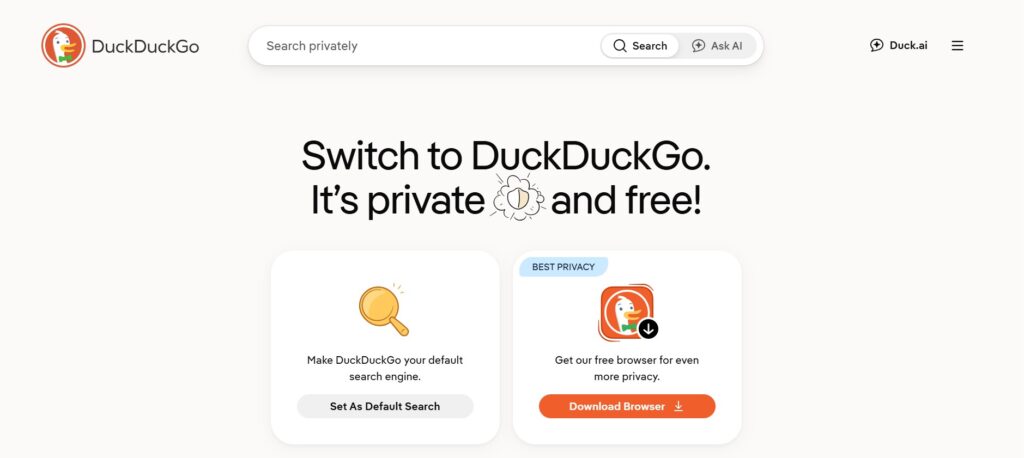
DuckDuckGo Browser
DuckDuckGo Browser is built around keeping things simple. Most of its privacy features work automatically, without requiring you to change settings or configure the browser.
Among its features, it blocks many third-party trackers and helps manage cookie pop-ups. It also includes Global Privacy Control, which lets websites know that you want to opt out of having your personal information shared or sold.
Another useful tool is the Fire Button, which lets you quickly clear your tabs and browsing data with a single click. You can also exclude certain websites so you stay signed in to them.
With minimal setup required, it works well for users who prefer a simpler approach to online privacy.
Privacy-Focused Extensions
Privacy extensions can add another layer to the safeguards your browser already provides.
They can block unwanted content, limit ISP tracking, or give you more control over what data websites can access.
The following options stand out for what they bring to your browsing experience.
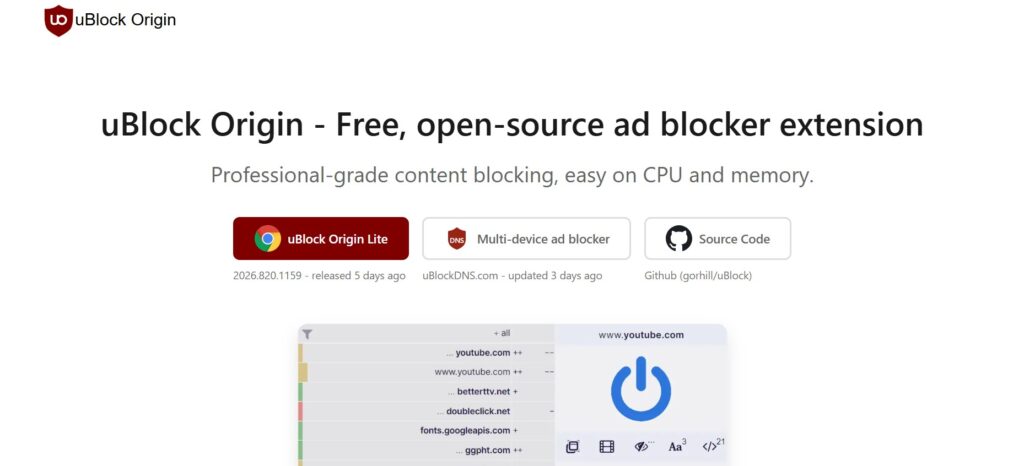
uBlock Origin
uBlock Origin is a free, open-source content blocker. It blocks ads, trackers, pop-ups, and other unwanted content as you browse.
It uses filter lists to determine what should be blocked. You can keep the default settings or customize them to your needs.
Currently, the full version of uBlock Origin is best supported on Firefox. Users of Chrome and other Chromium-based browsers can opt for uBlock Origin Lite instead.
For users who want effective content blocking with plenty of room for customization, it offers a good balance of simplicity and control.
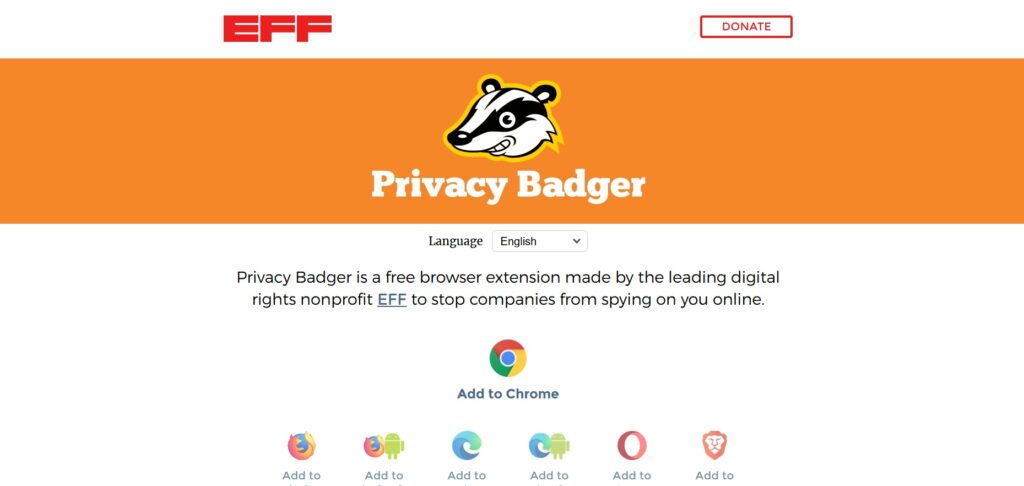
Privacy Badger
Privacy Badger is a free extension created by the Electronic Frontier Foundation (EFF). It helps prevent companies from tracking your activity across different websites.
Unlike traditional blockers that rely mainly on filter lists, Privacy Badger can detect potential trackers by looking at how they operate across websites. When it identifies some tracking activity, it can limit or block it.
The extension is available for Chrome, Firefox, Edge, Opera, and Brave. That makes it accessible across most major browsers without requiring much setup.
Given its automatic approach, Privacy Badger is particularly useful for anyone who wants to limit tracking without managing numerous settings.
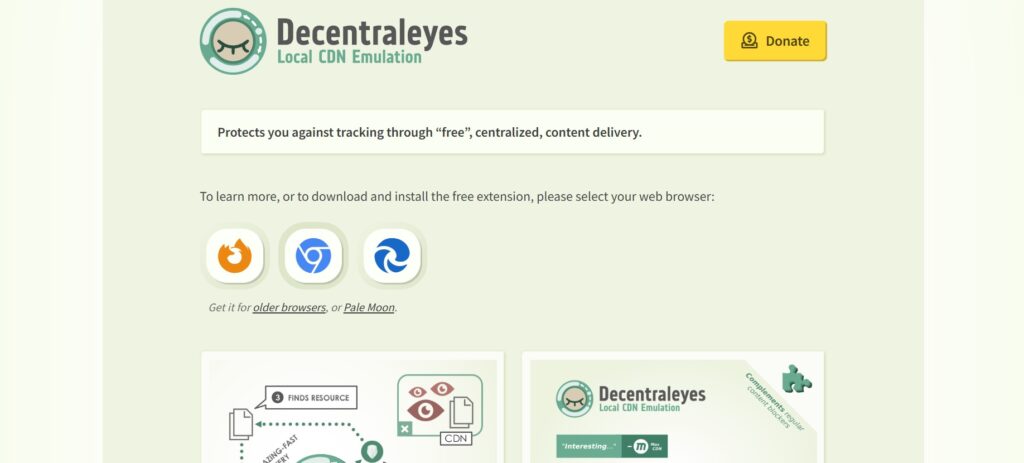
Decentraleyes
Decentraleyes takes a different approach to limiting online tracking. It loads commonly used web resources locally, reducing the need to connect to large third-party networks.
As a result, fewer requests leave your browser, which can help reduce opportunities for online tracking. Decentraleyes works automatically in the background and can complement content blockers such as uBlock Origin.
Browser support includes Firefox, Chrome, and Edge. It’s also available for Firefox on Android.
For anyone looking to reduce unnecessary external requests while browsing, Decentraleyes can be a useful addition to a content blocker.
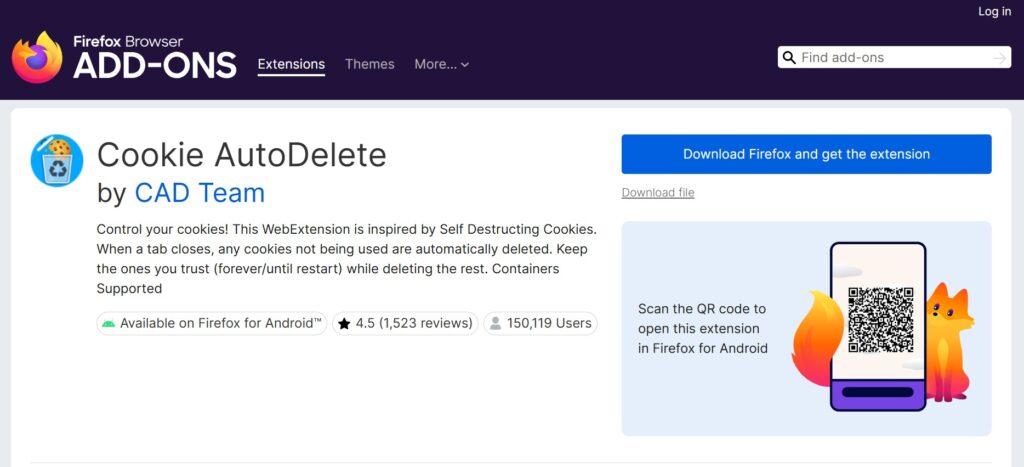
Cookie AutoDelete
Cookie AutoDelete helps limit the data websites you visit leave behind in your browser. Once enabled, it can automatically delete cookies after you close a tab.
It also gives you the option to create exceptions for websites where you want to stay signed in or keep certain data. That way, you don’t have to clear everything manually each time you browse.
The extension works with Firefox on desktop and Android, as well as Opera. An Edge version is also available, although compatibility may depend on your browser version.
For those who want to limit which cookies remain after browsing, Cookie AutoDelete offers a convenient way to automate the cleanup process.
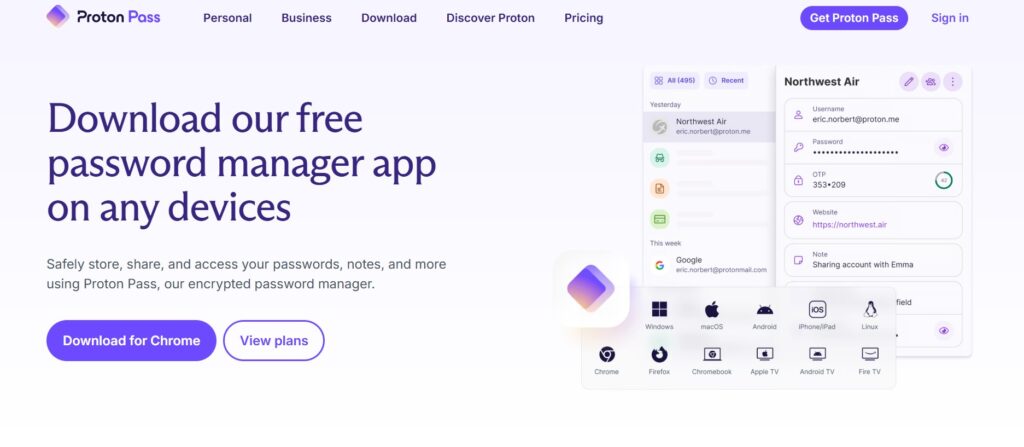
Proton Pass
Proton Pass brings password management directly into your browser. It can generate, store, and autofill strong passwords, so you don’t have to remember a different one for every account.
To keep that information protected, the extension uses end-to-end encryption. It also allows you to create email aliases, helping keep your real email address private when signing up for websites and online services. You can also combine this with an encrypted email for added security.
Support currently extends across Firefox, Chrome, Brave, and Edge, along with several other browsers.
With secure password management and added convenience, Proton Pass works particularly well for users managing multiple online accounts.
Bringing It All Together
Online tracking often happens quietly in the background, making it easy to underestimate how much information can be collected as you browse.
Choosing the right browser is one way to start taking back control.
From there, carefully picked extensions can add protection where you need it most.
Whether that means blocking trackers, managing cookies, reducing external requests, or protecting your passwords, you can choose the tools that match the way you browse.
You may not always see when you’re being tracked, but combining a privacy-focused browser with useful extensions gives you more control over what you leave behind.
Author
Monica Jansen
Monica Jansen is a seasoned tech writer focused on web hosting and cybersecurity. She loves doing deep dives and whittling down difficult topics into simple and succinct concepts. Whether she is covering firewalls or different hosting plans, she always strives to provide clear guides that website owners of all skill levels can follow.
Add your comment
Get content delivered straight to your inbox



Your data.
Your choice.
Work with the best of the best — your projects deserve it.