Back to Blog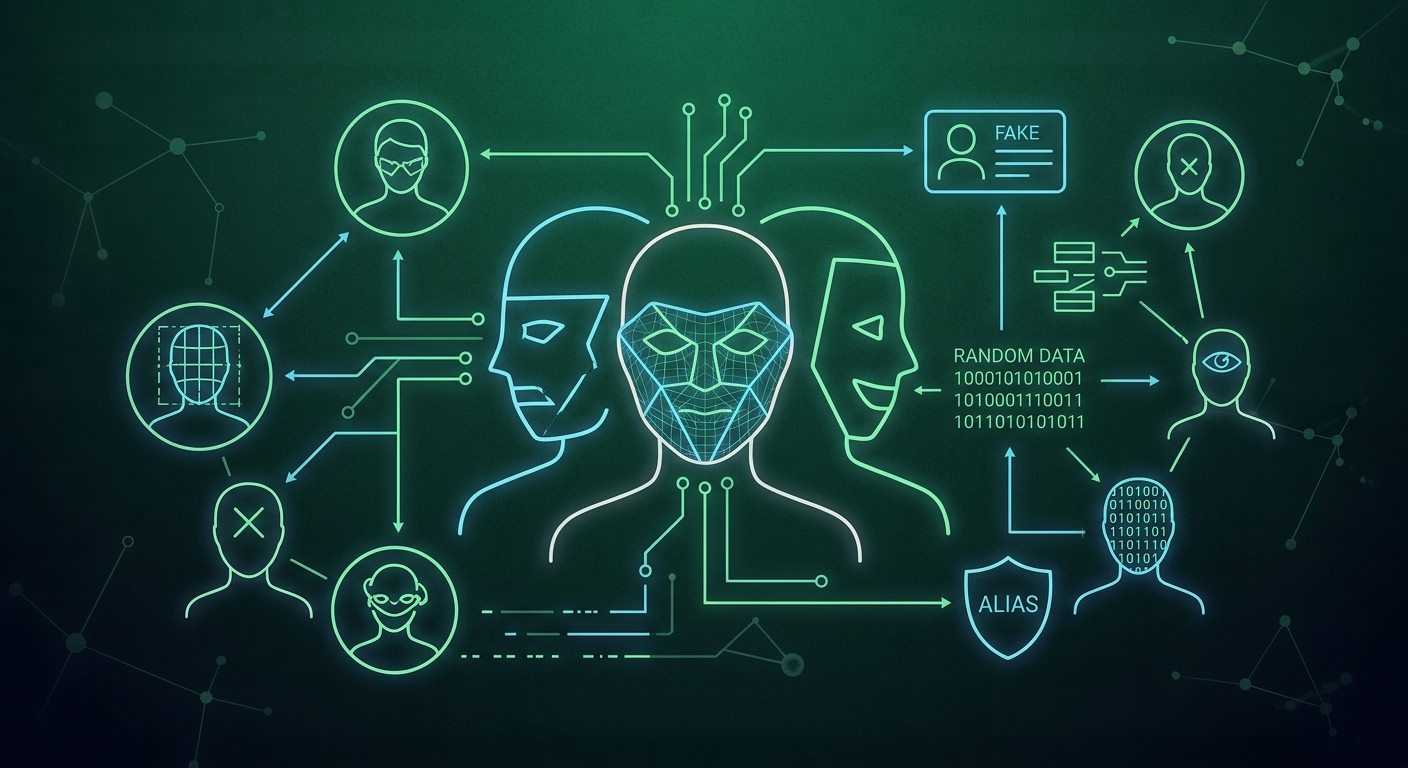


Email


Monica Jansen
Oct 6, 2026
How to Stay Anonymous Online: In-Depth Guide
Staying anonymous online may sound difficult when so much of what you do can point back to you.
Even seemingly ordinary actions can reveal identifying information and make it easier to trace your online presence.
The good news is that there are plenty of ways to make yourself harder to track.
With the right tools and habits, you can reduce your digital footprint and keep more of your information private.
In this guide, we will cover the practical steps you can take to protect your online anonymity.
Anonymity vs. Privacy
First things first, let’s discuss the concepts of anonymity and privacy.
These two terms are often used interchangeably because they do overlap, and improving one usually strengthens the other. However, they protect different things.
Privacy is about controlling what information about you and your activity others can access. On the other hand, anonymity is about keeping your identity separate from what you do.
For example, imagine you’re staying at a hotel. In terms of privacy, this would mean the staff knows who you are and which room is yours, but not what you do behind closed doors.
In contrast, anonymity would mean they know the room is occupied, but not who is staying there.
Ways to Stay Anonymous Online
Protecting your online anonymity involves several areas, from how you connect to the internet to what you share and which accounts you use.
The following measures can help you address each of them.
VPN
To begin with, using a VPN can help conceal where your internet traffic is coming from.
It routes your connection through a remote server, so websites see the server’s IP address instead of your own, while the traffic between your device and the server is encrypted.
However, a VPN doesn’t make you completely anonymous. Cookies, account logins, and other tracking methods can still help identify you.
Additionally, your VPN provider could still see your activity and keep records of it, so you should look for one with a clear no-logs policy.
Proxy Servers
A proxy server can be useful when you want to conceal your IP address for a particular browsing session.
With this server type, your request passes through a proxy rather than going directly to the destination, allowing your IP address to be masked by the proxy.
It usually covers only the browser or app it is set up on, while other services continue using your regular connection.
Unlike a VPN, a proxy generally doesn’t encrypt your internet traffic, leaving the data you send and receive exposed to anyone who can monitor the connection.
Tor
Namely, it routes your traffic through several servers around the world, concealing where the connection originally came from.
Tor Browser also limits fingerprinting by reducing the unique information sites can collect about your browser and device.
However, the extra routing can slow down your connection. Some websites may also restrict access through Tor or require you to complete extra verification steps.
Private Browsers
Tor isn’t the only browser built to limit online tracking.
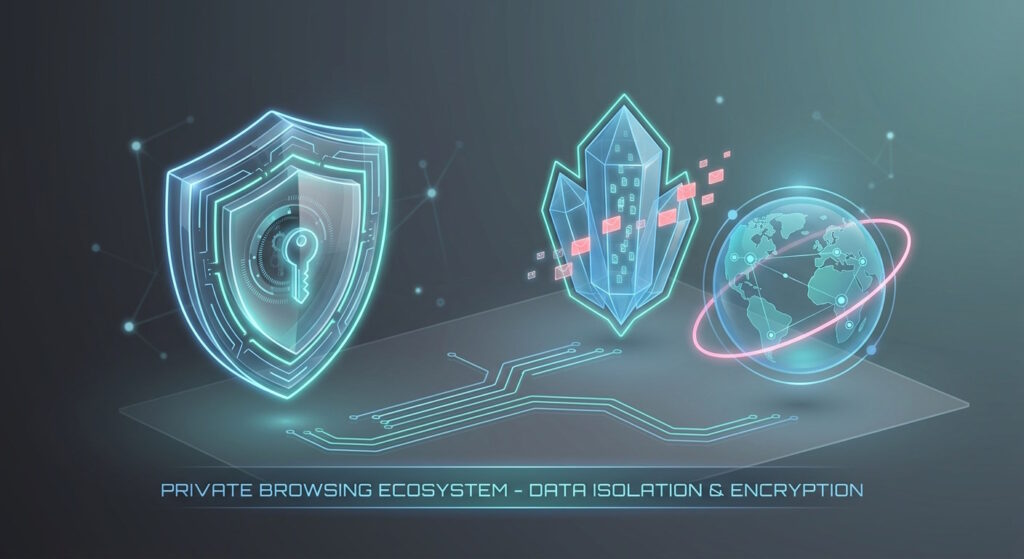
Other privacy-focused browsers can reduce the information websites collect about you by blocking third-party trackers, restricting cookies, and limiting browser fingerprinting.
Despite having a similar name, private browsing (incognito mode) is not the same as using a secure browser.
It mainly prevents your browsing history and cookies from being saved after the session ends, while your activity may still be visible to the websites you visited or your internet provider.
Browser Extensions
Even with a secure browser, some forms of tracking may require more targeted protection. Browser extensions can fill those gaps.
Depending on what your browser is missing, you can use them to block ads, prevent unwanted scripts from running, clean tracking parameters, or make fingerprinting more difficult.
Cookies
Next, your cookie settings can affect whether your browsing activity can be connected across different websites and sessions.
Limiting third-party cookies reduces cross-site tracking, while clearing stored cookies removes identifiers that may already be linked to your previous activity.
You can also set your browser to automatically delete cookies after each session, making it harder to build a persistent record of your browsing over time.
HTTPS
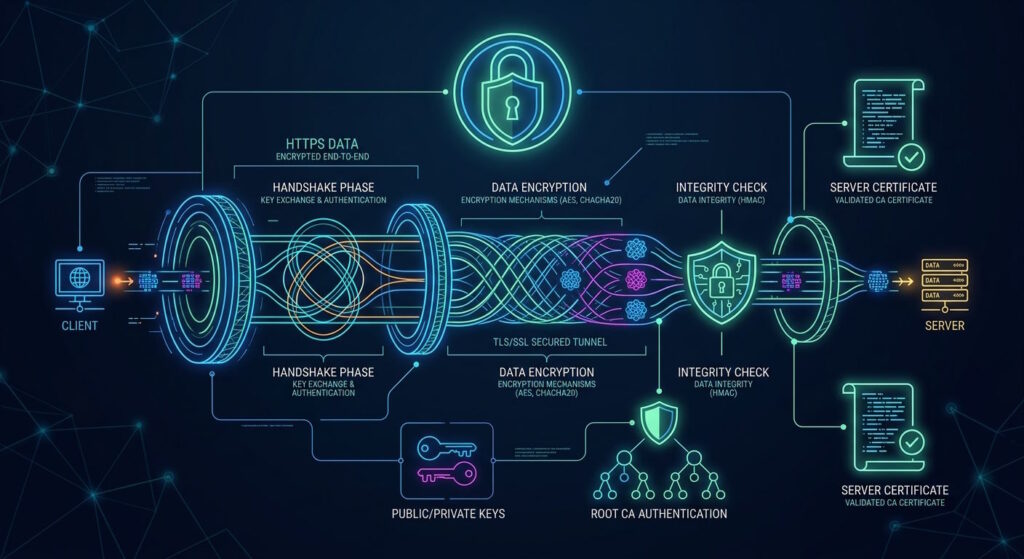
The additional “s” in HTTPS indicates that the connection to that page is encrypted. Importantly, the same protection may not apply across an entire website.
Checking the address bar as you move between pages is especially useful before entering passwords, payment details, or other personal information.
Private Search Engines
Convenient searching can come at the cost of privacy.
For example, Google uses information about your activity to personalize search results and other services.
Switching to a privacy-focused search engine, such as DuckDuckGo, reduces how much information is collected as you browse.
Before choosing one, you should check its privacy policy to see whether it stores your search history, links queries to individual users, or uses them to build profiles.
Your email address can also become an easy way to connect different accounts and activities back to you.
An email service with end-to-end encryption can help protect your communications by making the contents of your messages more difficult for others to access.
In addition, creating separate email addresses or aliases can prevent you from being followed or identified.
For one-off registrations, using a temporary email address can keep your main email from being unnecessarily shared.
They are particularly useful for newsletters, free trials, or other services that may lead to unwanted contacts.
Encrypted Messaging
At the same time, encrypted messaging services prevent your private conversations from being read by anyone other than the intended recipient.
They are a safer choice than standard SMS, where messages can be accessed by mobile carriers and your phone number is directly linked to them.
For greater anonymity, services that don’t require a phone number or other identifying data can keep your identity separate from your chats.
Similarly, activating disappearing messages limits how long the content you send remains accessible.
Passwords
A strong, unique password for each of your accounts reduces the damage a compromised login can cause.
If an account is breached, different credentials prevent the same password from being used to access others.
A password manager can make this easier by generating and storing complex passwords for you, instead of having to invent and memorize a new one each time.
You should also check whether any of your credentials have appeared in a known data breach and replace any that have been exposed.
Multi-Factor Authentication
In turn, MFA adds an additional form of verification beyond your password before you can access a website or app.
If your password is exposed, the extra step prevents someone from accessing your account with that information alone.
When possible, you should choose an authenticator app or a security key over SMS, as these methods aren’t directly tied to your phone number.
File Sharing
Additionally, files can contain identifying details that aren’t immediately visible when you share them.
Photos can contain location and device data, while documents may include the author’s name or editing history.
You can remove this metadata through the properties or details panel of the file, while many devices also let you exclude location data when sharing photos.
For sensitive files, built-in or trusted tools let you make any needed changes without uploading them to unknown services that could access their contents.
File Deletion
Deleted files may remain recoverable with specialized software even after you remove them from your device.
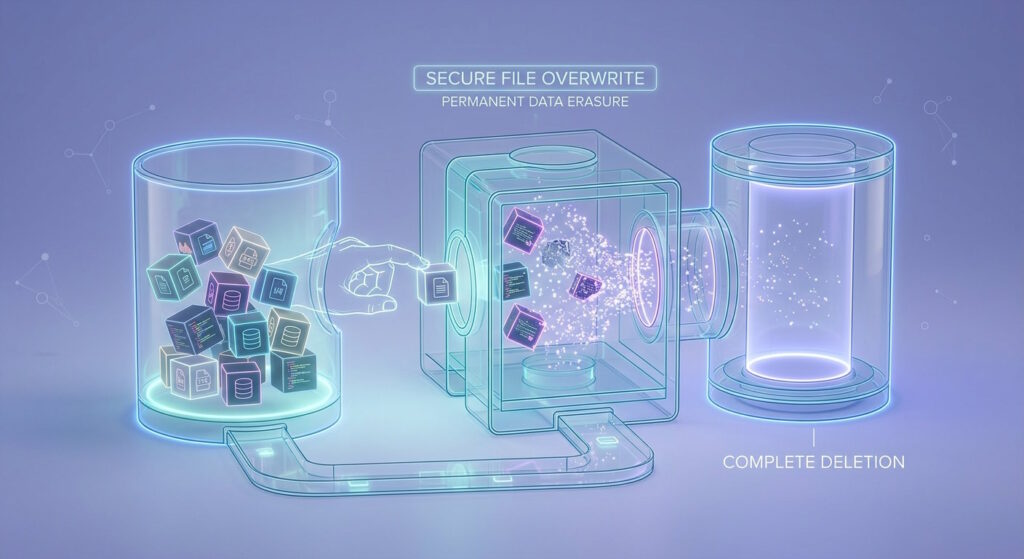
For a more permanent option, you should use secure deletion tools, such as file shredders.
They overwrite deleted files with random sets of data, making them much more difficult to recover.
App Permissions
Another area to consider is app permissions, as each app should only have access to what it actually needs in order to work properly.
Permissions such as location, contacts, camera, or microphone should be removed when they aren’t necessary.
When an app does need them, you can limit what you share, such as providing an approximate location or allowing access only while the app is in use.
Software Updates
Lastly, regular updates to your operating system, browser, apps, and extensions ensure known security vulnerabilities are patched.
Delaying updates can leave those weaknesses open to attackers, potentially exposing your data or online activity.
Automatic updates are useful for speeding up the process and installing security fixes as soon as they become available.
Conclusion
Perfect anonymity online may be nearly impossible, but that doesn’t mean you shouldn’t take control of your online presence.
Small, consistent choices can shape how much information you reveal and how easily others can connect it to you.
Ultimately, staying anonymous online is about making privacy the default, not an afterthought.
Author
Monica Jansen
Monica Jansen is a seasoned tech writer focused on web hosting and cybersecurity. She loves doing deep dives and whittling down difficult topics into simple and succinct concepts. Whether she is covering firewalls or different hosting plans, she always strives to provide clear guides that website owners of all skill levels can follow.
Add your comment
Get content delivered straight to your inbox
Your data.
Your choice.
Work with the best of the best — your projects deserve it.