Back to Blog



Monica Jansen
Oct 26, 2026
How to Use Public Wi-Fi Safely and Protect Your Data
Public Wi-Fi is almost everywhere, from hotels and airports to cafes and shopping malls.
It gives you a convenient way to get online when you’re away from home or trying to save mobile data.
However, connecting to a network you don’t control comes with its own security risks.
Other people may be using the same connection, which can leave your data exposed if the network isn’t properly protected.
Fortunately, you don’t have to give up public Wi-Fi altogether. We’ll show you a few precautions you can take to reduce the risks and protect your data.
Is Public Wi-Fi Safe?
Public Wi-Fi is generally less secure than a private network, even when it’s password-protected.
A password alone doesn’t guarantee that your connection or data is protected.
Public networks are shared by many users and give you little control over the security measures in place.
More importantly, anyone can set up a public Wi-Fi network. You often have no way of knowing who controls it, how it has been configured, or whether it is legitimate.
For that reason, it’s best to connect only when you need to.
Common Risks
Cybercriminals can take advantage of unsecured connections in several ways, putting your data and accounts at risk. Here are some of the most common examples:
Malicious Hotspots
Firstly, attackers can create fake hotspots that imitate legitimate public networks, often known as evil twin networks.
A convincing name can make them difficult to distinguish from the real connection, especially in places where multiple Wi-Fi networks are available.
Once you connect, your internet traffic passes through a network controlled by the attacker, who can collect sensitive data or direct you to malicious websites to steal information.
Data Interception
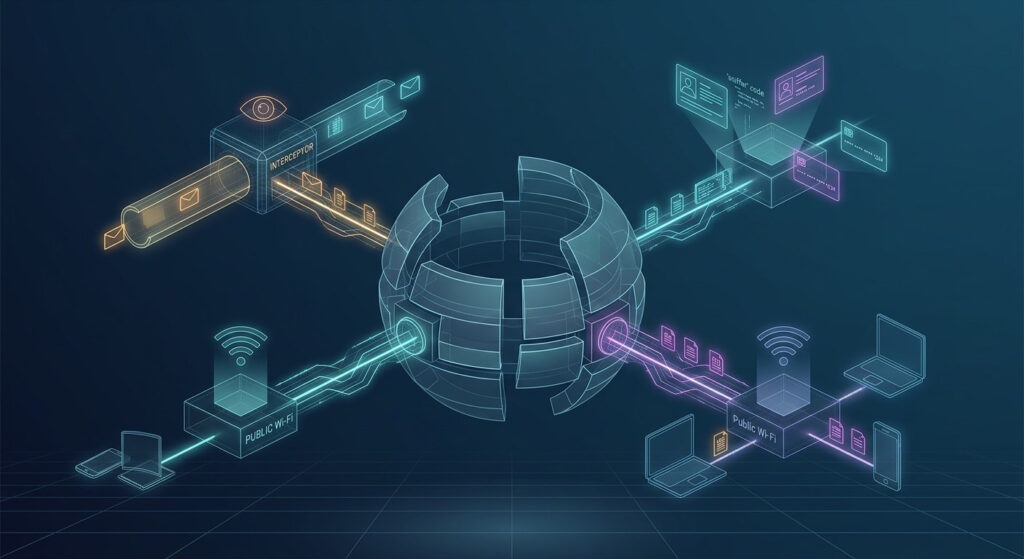
Next, data traveling over an unsecured public network can be intercepted before it reaches its destination.
As a result, information such as login credentials, messages, or payment details can be exposed if the traffic isn’t properly protected.
One common example is a man-in-the-middle attack. In this case, an attacker positions themselves between your device and the service you’re accessing.
From there, they can monitor the information passing between the two or alter it in real time.
Session Hijacking
Additionally, session hijacking can put accounts you’re already logged into at risk.
After you sign in to a website, your browser typically stores a session cookie that allows the site to recognize you as you move between pages.
If these cookies are captured over an unsecure connection, they can be used to impersonate your active session.
Consequently, someone may gain access to your email, social media, or other accounts without needing your passwords.
Malware
Finally, devices connected to public Wi-Fi can be targeted with malware, particularly when their software has unpatched vulnerabilities.
Cybercriminals can exploit these weaknesses to install malicious programs on the device.
Depending on the type of malware, its purpose can vary. Spyware may collect personal information, while ransomware can encrypt your files and demand payment to restore access.
Staying Safe on Public Wi-Fi
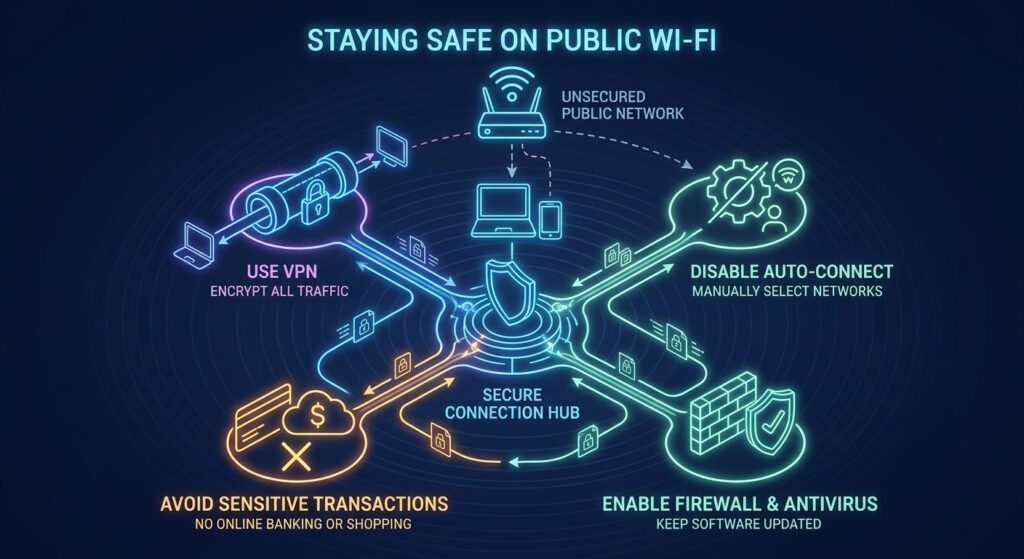
Here are some practical precautions you can take to reduce your exposure to public Wi-Fi threats:
Verify the Network
To start, it’s worth confirming the exact network name before connecting.
You can usually get the official Wi-Fi details from an employee or find them displayed somewhere at the location.
It’s also a good idea to check for small differences in spelling, numbers, or other details that could signal a fake network.
If it’s unclear which one is legitimate, it’s better not to connect.
Use a VPN
Next, consider using a VPN whenever you connect to public Wi-Fi.
It encrypts the traffic between your device and the VPN server, making your data much harder for anyone to intercept or read.
However, free VPNs should be approached with caution. Free providers usually generate revenue through advertising, tracking, or sharing user data.
For this reason, a trustworthy paid service is generally the safer choice, particularly one with a clear no-logs policy.
Check for HTTPS
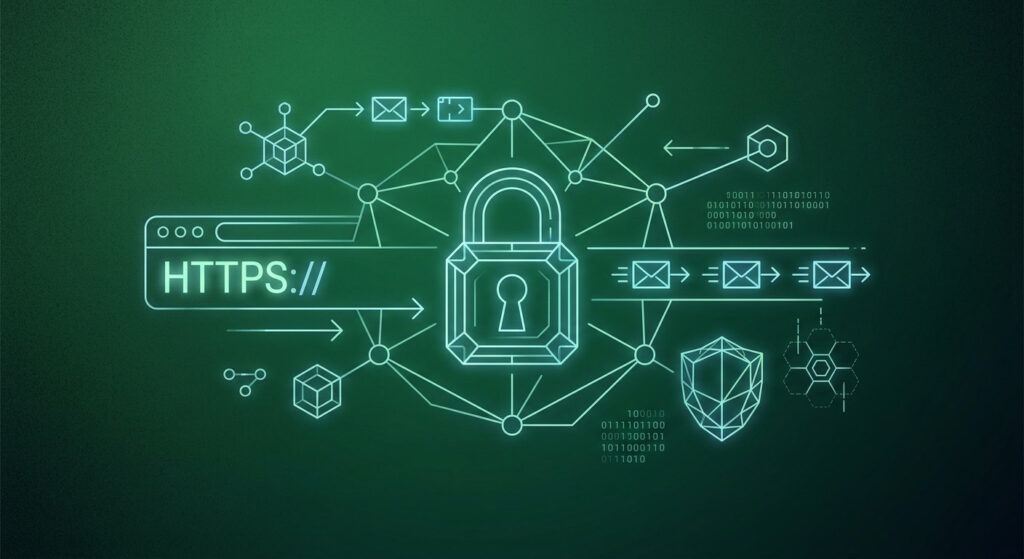
Another useful precaution is to check whether the websites you visit use HTTPS.
It encrypts the connection between your browser and the website, so intercepted traffic doesn’t reveal the information being exchanged.
Still, HTTPS doesn’t mean the website itself is trustworthy. Malicious sites can use it too, so it’s worth checking the web address to make sure you’re on the site you intended to visit.
Limit Sensitive Activity
When using public Wi-Fi, it’s best to limit activities that involve particularly sensitive information.
Online banking, making payments, or changing important account details can expose valuable data if the network is compromised.
For anything that can wait, it’s better to leave it until you can use mobile data or connect to a trusted network.
Turn Off Automatic Connections
Automatic connections can put your device on a Wi-Fi network without you realizing it.
A malicious hotspot using the same name as another network you’ve connected to before could cause your device to join it automatically.
Disabling this feature gives you the chance to verify the Wi-Fi details first.
Additionally, after you’re done with a public hotspot, you should remove it from your saved connections so your device doesn’t recognize it the next time it appears.
Disable Sharing Features
Similarly, sharing features can make your device visible or accessible to people nearby.
Depending on your settings, someone could attempt to connect to your device, access shared content, or send you unwanted files.
In public, you should keep features such as Nearby Share, AirDrop, and Bluetooth turned off.
Keep Your Software Updated
Equally important, software updates often include security patches for newly discovered vulnerabilities.
If your device and apps are outdated, attackers may be able to compromise them or install malware.
To make staying safe easier, you can turn on automatic updates so the latest fixes are applied as soon as they become available.
Use Antivirus and a Firewall
Antivirus can detect harmful software and other threats, while a firewall can block unwanted network traffic from reaching your device.
Together, they reduce the chances of malicious software or unauthorized connections getting through.
Many devices already have antivirus and firewall built in, so you should make sure both are active before connecting.
Use Strong Passwords and MFA
Using a different password for each service limits the damage if one of them is compromised.
MFA provides further protection if your login credentials are stolen or intercepted, making unauthorized access less likely.
What to Do If You Used Unsafe Wi-Fi
If you suspect you joined an unsecured network, a few actions can help reduce the potential damage:
- Disconnect and forget the network to stop your device from reconnecting automatically.
- Sign out of active sessions on any accounts you used while connected.
- Change the passwords for accounts you accessed, particularly if you entered login details during the session.
- Check your accounts for suspicious activity, such as unfamiliar logins, transactions, or changes.
- Run a security scan on your devices to check for potential threats.
Conclusion
Public Wi-Fi can be useful when you need a quick connection away from home, but its convenience comes with security risks you shouldn’t overlook.
Staying safe doesn’t mean giving up public Wi-Fi altogether.
With the right precautions, you can use it with greater confidence while keeping your data out of the wrong hands.
Author
Monica Jansen
Monica Jansen is a seasoned tech writer focused on web hosting and cybersecurity. She loves doing deep dives and whittling down difficult topics into simple and succinct concepts. Whether she is covering firewalls or different hosting plans, she always strives to provide clear guides that website owners of all skill levels can follow.
Add your comment
Get content delivered straight to your inbox


Your data.
Your choice.
Work with the best of the best — your projects deserve it.